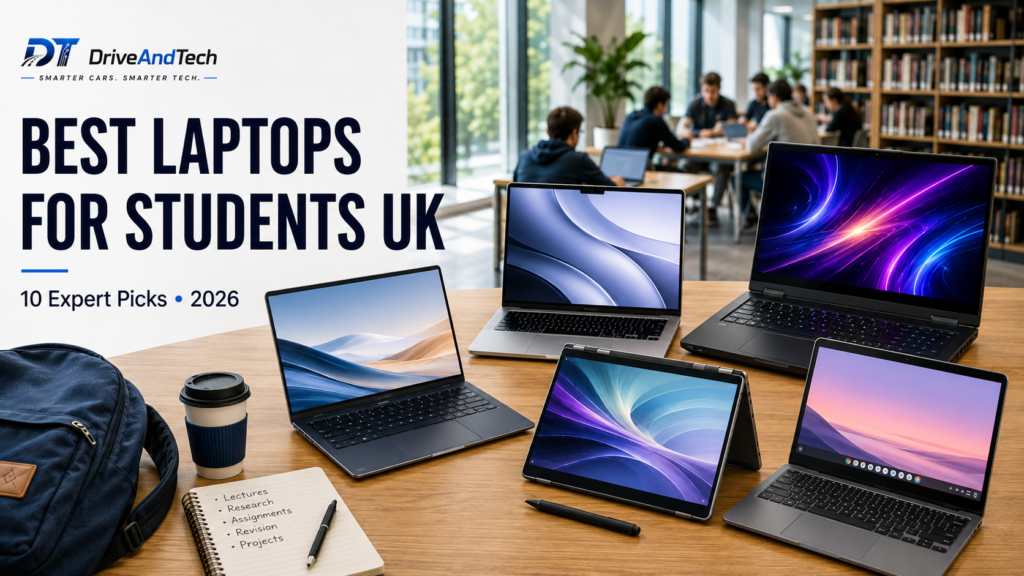
Choosing the best laptops for students UK buyers can rely on is not simply about finding the cheapest laptop or the model with the fastest processor. A good university laptop needs to balance performance, battery life, portability, software compatibility and price — while remaining capable enough to last throughout your studies.
For this guide, DriveAndTech compared current student-friendly laptops across Windows, macOS and ChromeOS. We considered processor performance, memory and storage, display quality, battery potential, portability, connectivity, course compatibility and overall value at current UK prices.
Our selection of the best laptops for students UK includes affordable everyday laptops, lightweight campus machines, MacBooks, Chromebooks, 2-in-1 devices and more powerful options for engineering and STEM students.
For most students, we recommend looking for 16GB RAM and 512GB SSD storage where budget allows. However, your university’s software requirements should always come first, particularly for engineering, architecture, computing and creative courses.
Last updated: August 2026
Affiliate Disclosure
DriveAndTech may earn a commission when you purchase through links on this page, at no additional cost to you. This does not influence our editorial opinions, ratings or recommendations.
Quick Answer: What Is the Best Laptop for Students in the UK?
The ASUS Zenbook 14 OLED is our Best Overall choice. It combines strong everyday performance with an excellent OLED display, a lightweight design, useful connectivity and good battery potential, making it suitable for a wide range of university courses.
However, there is no single laptop that is perfect for every student. Budget-conscious buyers may prefer the Acer Aspire 14, while students who want macOS should consider the Apple MacBook Air 13-inch M5. Engineering and STEM students who need dedicated graphics are better served by the ASUS Vivobook Pro 15 OLED.
Here are our current picks for the best laptops for students UK:
| Rank | Laptop | DriveAndTech Award | Rating |
|---|---|---|---|
| 1 | ASUS Zenbook 14 OLED | 🏆 Best Overall | 9.6/10 |
| 2 | Acer Aspire 14 | 💷 Best Budget | 9.2/10 |
| 3 | Apple MacBook Air 13-inch M5 | 🍎 Best MacBook | 9.5/10 |
| 4 | Acer Aspire 14 AI | 🎓 Best for University | 9.3/10 |
| 5 | ASUS Vivobook Pro 15 OLED | 🧠 Best Engineering & STEM | 9.4/10 |
| 6 | Apple MacBook Neo | 🎨 Best for Creative Students | 9.2/10 |
| 7 | HP OmniBook 5 14 | 🔋 Best Battery Life | 9.3/10 |
| 8 | Lenovo Yoga 7 2-in-1 | 🔄 Best 2-in-1 | 9.3/10 |
| 9 | Lenovo Chromebook Plus 14 | 💻 Best Chromebook | 9.1/10 |
| 10 | Microsoft Surface Laptop 13-inch | 💎 Best Premium | 9.2/10 |
Our Top Three Student Laptop Picks
Best Overall — ASUS Zenbook 14 OLED: The strongest all-rounder for students who want performance, portability and a premium display without moving to a larger workstation-style laptop.
Best Budget — Acer Aspire 14: A strong-value option for everyday university work, particularly when the 16GB RAM and 512GB SSD configuration is available at a competitive price.
Best MacBook — Apple MacBook Air 13-inch M5: Our preferred choice for students who want macOS, excellent portability and long battery potential and have confirmed that their course software is Mac-compatible.
DriveAndTech Tip: Before buying any student laptop, check your university’s recommended hardware and required software. This is particularly important if you are considering a MacBook, Chromebook or Windows-on-ARM laptop, as some specialist applications may require a specific operating system or processor architecture.
Why You Can Trust DriveAndTech
DriveAndTech focuses on practical buying advice for UK consumers. Our recommendations consider not only specifications, but also how useful those specifications are for the people actually buying the product.
For this guide to the best laptops for students UK, we considered current UK availability and pricing alongside performance, portability, battery potential, software compatibility and long-term value.
Our rankings are editorially independent. Affiliate relationships do not determine which laptops we recommend or the scores they receive. Where we have not personally tested a laptop, we do not present our assessment as hands-on testing. Instead, recommendations are based on manufacturer specifications, current UK market information, independent testing data where relevant, and comparative product research.
Prices and configurations can change frequently, so students should always check the exact model specification before purchasing.
How We Evaluate the Best Student Laptops
Every laptop in this guide is assessed against the factors that matter most for university use rather than simply ranking products by raw processing power.
Our evaluation uses the following 100-point framework:
| Evaluation Area | Weight | What We Consider |
|---|---|---|
| Performance | 20% | Processor capability, memory and everyday responsiveness |
| Battery Life | 15% | Manufacturer claims, efficiency and suitability for campus use |
| Portability & Build | 15% | Weight, dimensions, durability and ease of carrying |
| Course & Software Compatibility | 15% | Operating system, processor architecture and specialist software support |
| Display & Keyboard | 10% | Screen quality, usability and suitability for long study sessions |
| Longevity & Support | 10% | Hardware specification, software support and likely useful lifespan |
| Value for Money | 10% | Specification and overall experience relative to current UK pricing |
| Connectivity & Webcam | 5% | Ports, wireless connectivity and video-call capability |
What Matters Most for Students?
Performance is important, but a powerful laptop is not automatically a better student laptop. A machine that delivers slightly less raw performance but weighs less, lasts longer away from a charger and supports all the software required by your course may be the smarter purchase.
We also consider value within each category. For example, our Best Budget laptop is judged against realistic budget alternatives rather than against a premium workstation costing more than twice as much.
Manufacturer battery figures are treated as claims rather than guaranteed real-world results, because actual endurance varies with workload, brightness, applications, connectivity and power settings.
This approach helps us identify the best laptops for students UK across different budgets and university courses while keeping the recommendations focused on practical student needs.
What to Look for in a Student Laptop
The best laptops for students UK buyers should consider are not necessarily those with the most impressive specifications. The right choice depends on your course, how often you carry the laptop around campus and the applications you need to run.
Here are the specifications we recommend prioritising.
Processor
For general university work, a modern mid-range processor is usually more than sufficient. Microsoft Office, web research, streaming, video calls and everyday multitasking do not require a high-end CPU.
Students studying engineering, architecture, data science or other demanding subjects may benefit from a more powerful processor, particularly when running simulation, modelling or development software.
RAM: Aim for 16GB
For a new student laptop in 2026, 16GB RAM is our preferred target.
It provides enough capacity for multiple browser tabs, Microsoft 365, video calls and several applications running simultaneously. It also gives the laptop more headroom to remain useful throughout a three- or four-year degree.
8GB can still work for lighter workloads, particularly with ChromeOS, but we would choose 16GB where the price difference is reasonable.
Storage: 512GB Is the Sweet Spot
We recommend 512GB SSD storage for most students.
A 256GB SSD can be sufficient if most of your documents are stored in OneDrive, Google Drive or another cloud service. However, 512GB gives considerably more flexibility for applications, coursework and personal files.
Engineering, architecture and creative students working with large project files may benefit from 1TB storage.
Display and Screen Size
For most students, a 13- or 14-inch display offers the best balance between usable working space and portability.
Larger 15- or 16-inch displays can be useful for CAD, spreadsheets, video editing and creative applications but generally make the laptop heavier.
OLED displays offer excellent contrast and colour quality, although a good IPS LCD remains perfectly suitable for everyday study.
Battery Life
A student laptop should ideally last through lectures and library sessions without constantly needing a charger.
Manufacturer battery claims are useful for comparison but should not be interpreted as guaranteed real-world endurance. Screen brightness, video calls, demanding applications and background activity can all reduce battery life.
For campus use, we prioritise laptops capable of delivering strong all-day battery potential under normal productivity workloads.
Weight and Portability
If you commute or regularly move between lectures, weight matters.
Around 1.2–1.5kg is a useful target for a 13- or 14-inch student laptop. Larger performance laptops may weigh more, which can be worthwhile if your course requires dedicated graphics or additional cooling.
Software Compatibility
This is one of the most important checks students can make before purchasing.
Windows provides the broadest compatibility with specialist university software, while macOS is excellent for many academic and creative workloads. ChromeOS works particularly well for browser-based study but cannot replace every desktop application.
Students considering a Windows-on-ARM laptop should also check that specialist applications and peripherals required by their course are compatible.
Ports and Connectivity
Useful connections can include USB-C, USB-A, HDMI and a headphone socket, while Thunderbolt or USB4 can be valuable for fast storage, docks and external displays.
A laptop with fewer ports is not necessarily a poor choice, but you may need to budget for a USB-C hub.
DriveAndTech Recommendation: For most students, start with 16GB RAM, 512GB SSD storage, a modern processor, a 13- or 14-inch display and strong battery life. Then adjust those requirements only where your course demands something more specialised.
Best Laptops for Students UK Compared
The table below compares our current picks for the best laptops for students UK, with the approximate UK price placed near the front so it is easier to see on desktop and mobile.
| Rank | Laptop | Approx. UK Price | Award | Rating | Processor | RAM | Storage | Display | Battery Claim |
|---|---|---|---|---|---|---|---|---|---|
| 1 | ASUS Zenbook 14 OLED | Around £800 | 🏆 Best Overall | 9.6/10 | Intel Core Ultra | 16GB | 512GB | 14-inch OLED | Up to 15+ hours |
| 2 | Acer Aspire 14 | Around £550 | 💷 Best Budget | 9.2/10 | Snapdragon X | 16GB | 512GB | 14-inch | Long battery potential |
| 3 | Apple MacBook Air 13-inch M5 | From around £999 education pricing | 🍎 Best MacBook | 9.5/10 | Apple M5 | 16GB | 512GB | 13.6-inch Liquid Retina | Up to 18 hours |
| 4 | Acer Aspire 14 AI | Around £699 | 🎓 Best for University | 9.3/10 | Intel Core Ultra 5 | 16GB | 512GB | 14-inch OLED | Up to 16 hours |
| 5 | ASUS Vivobook Pro 15 OLED | Around £1,499 | 🧠 Best Engineering & STEM | 9.4/10 | Intel Core Ultra 7 | 16GB | 1TB | 15.6-inch OLED | Varies by workload |
| 6 | Apple MacBook Neo | From around £599 | 🎨 Best for Creative Students | 9.2/10 | Apple A18 Pro | Varies | Varies | 13-inch Liquid Retina | Up to 16 hours |
| 7 | HP OmniBook 5 14 | Around £629 | 🔋 Best Battery Life | 9.3/10 | Snapdragon X | 16GB | 512GB | 14-inch OLED | Up to 34 hours |
| 8 | Lenovo Yoga 7 2-in-1 | Around £1,000–£1,200 | 🔄 Best 2-in-1 | 9.3/10 | AMD Ryzen 7 | 16GB | 512GB | 14-inch OLED touchscreen | Around 14 hours |
| 9 | Lenovo Chromebook Plus 14 | Around £499–£599 | 💻 Best Chromebook | 9.1/10 | MediaTek Kompanio Ultra 910 | 12GB | 128GB | 14-inch OLED | Up to 17 hours |
| 10 | Microsoft Surface Laptop 13-inch | Around £1,050–£1,150 | 💎 Best Premium | 9.2/10 | Snapdragon X Plus | 16GB | 512GB | 13-inch PixelSense touchscreen | Up to 16 hours |
Comparison Highlights
For most students, the ASUS Zenbook 14 OLED offers the strongest overall balance at around £800, while the Acer Aspire 14 is our budget choice at approximately £550.
Students looking for a MacBook should consider the MacBook Air M5, particularly with Apple Education pricing, while the ASUS Vivobook Pro 15 OLED justifies its much higher price for students who genuinely need dedicated graphics for engineering, CAD or other demanding workloads.
Important: These are approximate UK prices and may change because of sales, student discounts and different configurations. Always check the exact model and current price before purchasing.
1. ASUS Zenbook 14 OLED — Best Overall
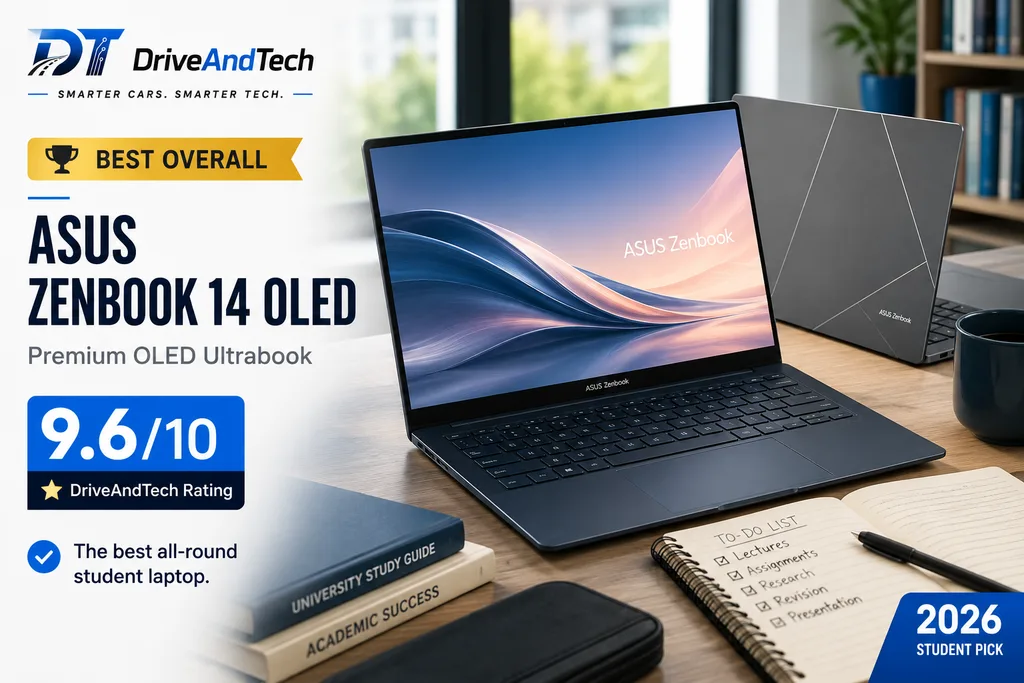
The ASUS Zenbook 14 OLED takes our Best Overall award because it delivers the balance most students need: strong performance, excellent portability, a premium display and practical connectivity without becoming unnecessarily powerful or expensive.
Its compact 14-inch design is particularly well suited to campus life, while configurations with 16GB RAM and 512GB SSD storage provide enough capacity for demanding multitasking and several years of university use.
For students searching for one of the best laptops for students UK, the Zenbook 14 OLED is our strongest all-round recommendation.
Key Specs
- Processor: Intel Core Ultra
- RAM: 16GB recommended
- Storage: 512GB SSD recommended
- Display: 14-inch OLED; up to 3K 120Hz on selected configurations
- Graphics: Integrated Intel graphics
- Battery: Up to 15+ hours*
- Weight: Around 1.2–1.3kg
- Operating System: Windows 11
- Ports & Connectivity: Thunderbolt 4, USB-C, USB-A, HDMI, headphone socket, Wi-Fi and Bluetooth
- Approx. UK Price: Around £800
Pros
- Excellent OLED display
- Strong everyday performance
- Lightweight and highly portable
- Good selection of useful ports
- Premium build quality
- Strong 16GB/512GB configurations
- Excellent all-round university laptop
Cons
- Integrated graphics limit demanding 3D workloads
- Higher-spec configurations can become expensive
- OLED display can use more power at high brightness
- Specifications vary between Zenbook 14 configurations
Why We Recommend It
The Zenbook 14 OLED gets the fundamentals right without forcing students to pay for hardware they may never use.
Intel Core Ultra performance is comfortably sufficient for research, Microsoft 365, presentations, video calls, programming and everyday multitasking. At the same time, its lightweight chassis makes it practical to carry between lectures, libraries and accommodation.
The OLED display is a significant advantage. Text looks sharp, colours are rich and the high contrast makes the laptop equally enjoyable for coursework, streaming and light creative work.
Windows compatibility also makes the Zenbook suitable for a wider range of university courses than laptops relying on ChromeOS or ARM-based Windows.
Performance
For mainstream university workloads, the Zenbook 14 OLED offers plenty of performance.
Multiple browser tabs, Office applications, Teams or Zoom, programming environments and light photo or video editing should run comfortably on a well-specified Core Ultra configuration.
Students studying engineering, architecture or 3D design who require substantial GPU acceleration should instead consider a laptop with dedicated graphics.
Display & Keyboard
The 14-inch OLED display is one of the Zenbook’s standout features. Selected configurations offer up to a 3K 120Hz OLED panel, providing excellent contrast, rich colours and smooth motion.
The 14-inch size also strikes an excellent balance: large enough for comfortable productivity while remaining compact enough for everyday travel.
The keyboard is well suited to long essays and study sessions, complemented by a spacious touchpad.
Battery Life
ASUS quotes 15+ hours of battery potential for the Zenbook 14 OLED under specified conditions.
Actual endurance will depend on the configuration, brightness and applications being used, but its combination of a large battery and efficient processor makes it well suited to a typical day of lectures and library work.
Portability & Build Quality
At approximately 1.2–1.3kg, the Zenbook 14 OLED is one of the easier full-featured Windows laptops to carry around campus.
Its slim construction and premium finish also give it a more sophisticated feel than many mainstream student laptops without sacrificing everyday practicality.
Ports & Connectivity
Connectivity is another strength.
Depending on configuration, you can expect Thunderbolt 4/USB-C, USB-A, HDMI and a headphone socket, alongside modern Wi-Fi and Bluetooth connectivity.
Having both USB-A and HDMI built in can reduce the need to carry adapters for presentations and common accessories.
Who Should Buy It?
The ASUS Zenbook 14 OLED is particularly suitable for students studying:
- Business and management
- Law and humanities
- Computer science
- Healthcare
- Social sciences
- Education
- General academic courses
- Light creative subjects
Students requiring demanding CAD, 3D rendering or other GPU-intensive applications should consider our dedicated engineering and STEM recommendation instead.
Where to Buy
Check the latest UK price and exact configuration at:
- ASUS UK — Official Store
- Amazon UK
- Currys
- John Lewis
DriveAndTech Tip: Look for a configuration with at least 16GB RAM and 512GB SSD storage. Always compare the exact model number, as processor, display and storage specifications can differ between Zenbook 14 OLED versions.
DriveAndTech Verdict
The ASUS Zenbook 14 OLED is an exceptionally well-rounded university laptop. It combines the portability students need with the performance, display quality and connectivity expected from a premium everyday machine.
There are more powerful laptops and cheaper alternatives, but few achieve this balance as convincingly. For most students who want a capable Windows laptop they can comfortably use throughout university, the Zenbook 14 OLED earns our top recommendation.
DriveAndTech Rating: 9.6/10
Award: 🏆 Best Overall
Battery figures are manufacturer claims. Actual battery life varies according to workload, display brightness, connectivity and power settings.
2. Acer Aspire 14 — Best Budget
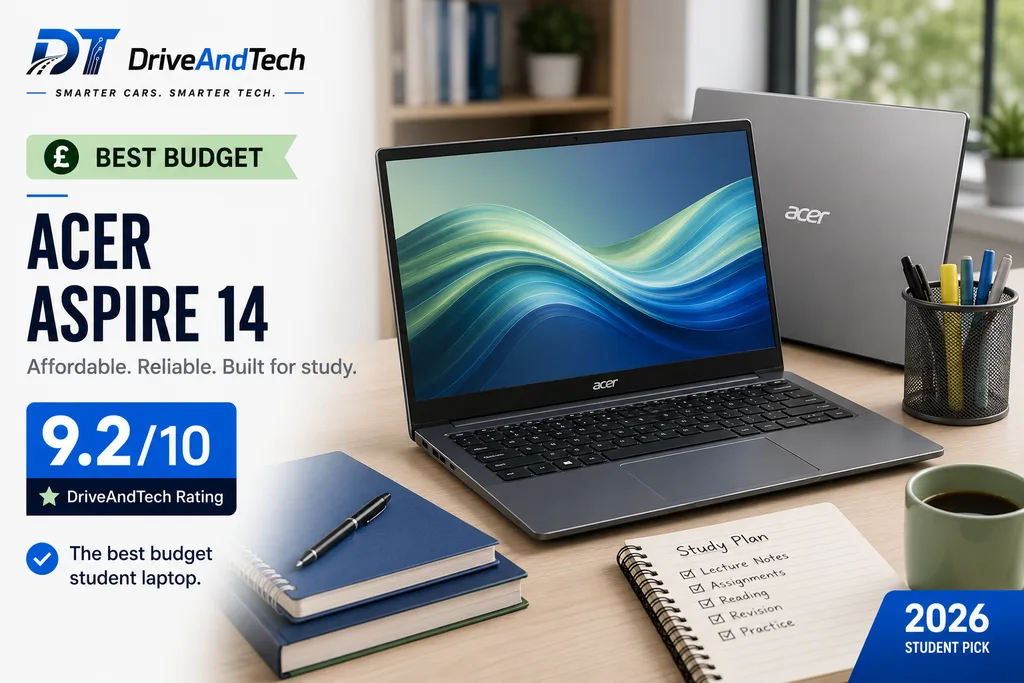
The Acer Aspire 14 is our Best Budget choice for students who want strong everyday specifications without paying premium-laptop prices.
Our recommended configuration combines a Snapdragon X processor, 16GB RAM and 512GB SSD storage, giving students plenty of capacity for research, essays, presentations, video calls and everyday multitasking. When available around the £550 mark, it represents particularly strong value.
For anyone comparing the best laptops for students UK on a tighter budget, the Aspire 14 delivers many of the specifications we recommend while keeping the overall cost sensible.
Key Specs
- Processor: Qualcomm Snapdragon X
- RAM: 16GB
- Storage: 512GB SSD
- Display: 14-inch
- Graphics: Integrated Qualcomm Adreno graphics
- Battery: Long all-day battery potential*
- Weight: Around 1.4kg, depending on configuration
- Operating System: Windows 11
- Ports & Connectivity: USB-C/USB4, USB-A, Wi-Fi and Bluetooth
- Approx. UK Price: Around £550 when discounted
Pros
- Excellent value with 16GB RAM and 512GB SSD
- Strong everyday productivity performance
- Good battery efficiency
- Portable 14-inch design
- Suitable for most mainstream university workloads
- Modern connectivity
- Significantly cheaper than many premium alternatives
Cons
- Windows on ARM requires a software compatibility check
- Not suitable for demanding 3D or GPU-heavy workloads
- Display is less premium than the OLED models in this guide
- Pricing can vary significantly outside promotions
Why We Recommend It
The Aspire 14 demonstrates that most students do not need to spend £1,000 or more to get a capable university laptop.
With 16GB RAM and 512GB storage, the recommended configuration already meets our preferred specification for mainstream student use. The Snapdragon X processor is designed to combine responsive everyday performance with strong power efficiency, making it particularly attractive for students who spend long periods away from a charger.
Its biggest consideration is processor architecture. Because this is a Windows-on-ARM laptop, students who rely on specialist or older Windows applications should confirm compatibility before purchasing.
For mainstream productivity, however, the overall package is difficult to ignore at the right price.
Performance
The Snapdragon X platform is well suited to Microsoft 365, browser-based research, presentations, video calls, streaming and general multitasking.
For business, humanities, law, healthcare and similar courses, it provides more than enough performance for typical university work.
Students running demanding CAD, advanced engineering applications or GPU-intensive creative software should choose a more specialised laptop.
Display & Keyboard
The 14-inch display provides a practical balance between working space and portability.
It does not offer the visual impact of the OLED screens found on some more expensive models in this guide, but it is well suited to documents, web research, presentations and streaming.
The keyboard provides the conventional laptop experience students need for essays, coursework and everyday productivity.
Battery Life
Battery efficiency is one of the major advantages of the Snapdragon platform.
The Aspire 14 is designed for extended mobile use and has strong potential to handle a full day of typical student productivity without frequent charging.
As always, actual endurance will depend on brightness, workload, applications and connectivity.
Portability & Build Quality
At around 1.4kg, depending on the exact model, the Aspire 14 remains practical for everyday campus use.
It is not as light or premium-feeling as some higher-priced ultraportables, but that is an acceptable compromise for a laptop positioned primarily around value.
The compact 14-inch form factor should fit comfortably into most student backpacks.
Ports & Connectivity
Connectivity includes modern USB-C/USB4 and USB-A support on relevant configurations, alongside Wi-Fi and Bluetooth.
The inclusion of conventional USB connections is useful for students with existing accessories and helps reduce dependence on additional adapters.
Who Should Buy It?
The Acer Aspire 14 is particularly suitable for students studying:
- Business and management
- Law and humanities
- Healthcare and social sciences
- Education
- General academic subjects
- Courses relying primarily on Microsoft 365 and web applications
It is particularly attractive to students who want 16GB RAM and 512GB SSD storage at the lowest sensible price.
Students requiring specialist Windows software should check ARM compatibility before buying.
Where to Buy
Check the latest UK price and exact configuration at:
- Acer UK — Official Store
- Amazon UK
- Currys
- Argos, where available
DriveAndTech Tip: The Aspire 14 is particularly good value around £500–£550 with 16GB RAM and 512GB storage. If the price rises substantially, compare it with Intel or AMD alternatives before purchasing.
DriveAndTech Verdict
The Acer Aspire 14 is proof that a good university laptop does not have to be expensive. Its combination of 16GB RAM, 512GB SSD storage, efficient performance and a portable 14-inch design covers the needs of a large proportion of students.
Windows-on-ARM compatibility prevents it from being a universal recommendation, but for students whose applications are supported, it offers excellent value.
DriveAndTech Rating: 9.2/10
Award: 💷 Best Budget
Battery performance varies according to workload, display brightness, connectivity and power settings.
3. Apple MacBook Air 13-inch M5 — Best MacBook
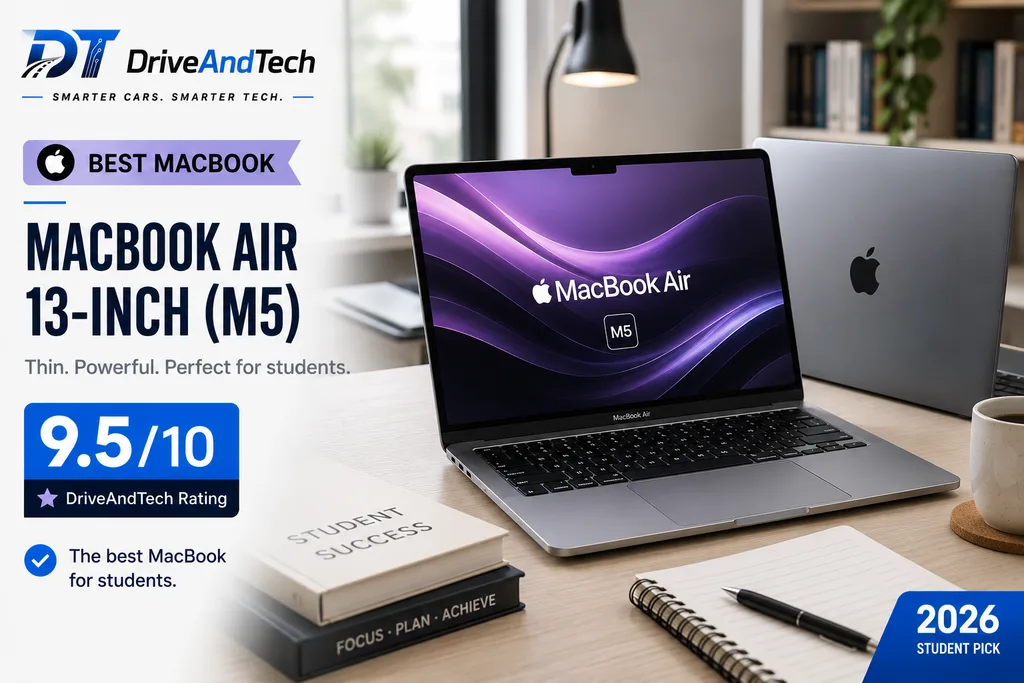
The Apple MacBook Air 13-inch M5 is our Best MacBook for students, combining excellent performance, long battery potential and exceptional portability in a premium aluminium design.
With 16GB unified memory and 512GB SSD storage in our recommended configuration, it has enough capacity for demanding multitasking, research, coding and creative work while remaining remarkably easy to carry around campus.
For students comparing the best laptops for students UK who prefer macOS, the MacBook Air M5 is one of the strongest long-term choices — provided the software required by their course is compatible.
Key Specs
- Processor: Apple M5
- RAM: 16GB unified memory
- Storage: 512GB SSD
- Display: 13.6-inch Liquid Retina
- Graphics: Integrated Apple GPU
- Battery: Up to 18 hours*
- Weight: Around 1.23kg
- Operating System: macOS
- Ports & Connectivity: MagSafe 3, two Thunderbolt 4 ports, headphone socket, Wi-Fi and Bluetooth
- Approx. UK Price: From around £999 with education pricing; configuration dependent
Pros
- Excellent M5 performance and efficiency
- Lightweight at around 1.23kg
- Strong battery potential
- Premium aluminium construction
- Silent fanless design
- Excellent integration with iPhone and iPad
- Strong long-term software support
Cons
- More expensive than many Windows alternatives
- Only two Thunderbolt ports
- Memory and storage upgrades can be expensive
- Some specialist university software requires Windows
- No dedicated NVIDIA graphics for demanding 3D workloads
Why We Recommend It
The MacBook Air M5 is particularly impressive because it combines substantial performance with the portability students need every day.
Apple’s M5 chip comfortably handles mainstream university workloads while providing enough headroom for programming, photo editing, music production and moderate video work. Its fanless design also means it operates silently during lectures and library sessions.
The combination of 16GB unified memory and 512GB storage provides a sensible specification for students hoping to use the same laptop throughout their degree.
The main consideration is macOS compatibility. Students should confirm that any specialist applications required by their course are available for Mac before purchasing.
Performance
The M5 processor comfortably handles Microsoft 365, large numbers of browser tabs, video calls, coding environments and everyday multitasking.
It is also capable of more demanding tasks such as photo editing, music production and moderate video editing, giving creative students considerably more flexibility than a basic productivity laptop.
Students requiring advanced CAD, specialist engineering applications or heavy GPU acceleration should check both software compatibility and hardware requirements before choosing it.
Display & Keyboard
The 13.6-inch Liquid Retina display delivers sharp text, strong colour reproduction and plenty of brightness for everyday study.
Its compact size helps keep the laptop portable while still providing enough working space for essays, research and creative applications.
Apple’s keyboard and large trackpad are also particularly well suited to long writing and navigation sessions.
Battery Life
Apple claims up to 18 hours of battery life under specified testing conditions.
That gives the MacBook Air excellent potential to handle lectures, library sessions and general study throughout the day without requiring frequent charging.
Actual endurance will vary according to brightness, applications, wireless connectivity and workload.
Portability & Build Quality
At approximately 1.23kg, the 13-inch MacBook Air is exceptionally easy to carry.
Its slim aluminium construction combines low weight with a premium feel, making it particularly attractive to students who regularly commute or move between lectures.
The fanless design also eliminates fan noise while keeping the chassis thin.
Ports & Connectivity
Connectivity includes MagSafe 3 charging, two Thunderbolt 4 ports and a 3.5mm headphone socket, alongside modern wireless connectivity.
Two Thunderbolt ports may be restrictive for students with several peripherals. A USB-C hub may therefore be useful for HDMI, USB-A, memory cards or multiple external devices.
Who Should Buy It?
The MacBook Air M5 is particularly suitable for students studying:
- Business and management
- Law and humanities
- Computer science and coding
- Medicine and healthcare
- Media and creative subjects
- Music production
- General academic courses
It is especially attractive to students who already use an iPhone or iPad and want seamless integration between their devices.
Where to Buy
Check the latest UK price and exact configuration at:
- Apple UK — Official Store
- Apple Education Store UK
- Amazon UK
- Currys
- John Lewis
DriveAndTech Tip: Always check Apple Education pricing before buying at the standard retail price. For most students, 16GB unified memory and 512GB storage provides an excellent balance without paying for unnecessary upgrades.
DriveAndTech Verdict
The Apple MacBook Air 13-inch M5 is an outstanding university laptop for students who prefer macOS. It combines excellent performance, strong battery potential and premium build quality with a lightweight design that is ideal for campus life.
Its higher price and potential software-compatibility limitations mean it is not the right choice for everyone. But for students whose course supports macOS, it is our strongest MacBook recommendation.
DriveAndTech Rating: 9.5/10
Award: 🍎 Best MacBook
Battery figures are manufacturer claims. Actual battery life varies according to workload, display brightness, connectivity and power settings.
4. Acer Aspire 14 AI — Best for University
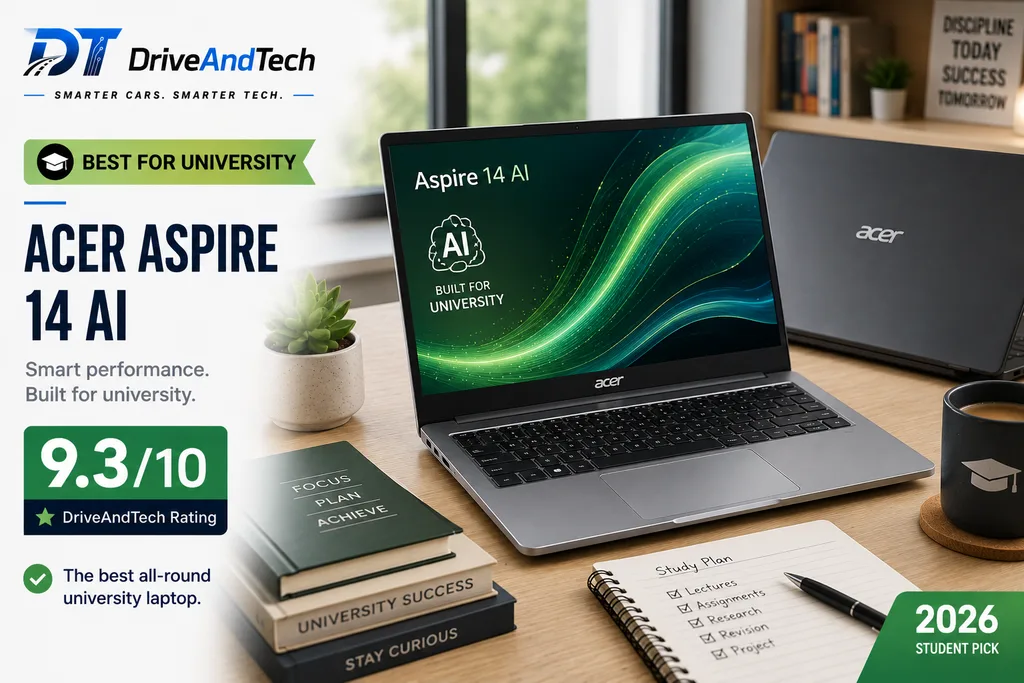
The Acer Aspire 14 AI is our Best for University pick because it combines strong everyday performance, an OLED display, excellent portability and conventional Intel-based Windows compatibility at a competitive price.
Our recommended configuration pairs an Intel Core Ultra 5 processor with 16GB RAM and a 512GB SSD, making it a particularly versatile choice for students who want one laptop for lectures, assignments and everyday use.
Key Specs
- Processor: Intel Core Ultra 5
- RAM: 16GB
- Storage: 512GB SSD
- Display: 14-inch 1920 × 1200 OLED
- Graphics: Intel Arc integrated graphics
- Battery: Up to 16 hours*
- Weight: Around 1.24kg
- Operating System: Windows 11
- Connectivity: USB4/USB-C, USB-A, HDMI, microSD, Wi-Fi and Bluetooth
- Approx. UK Price: Around £699
Pros
- Excellent 14-inch OLED display
- Strong Intel Core Ultra performance
- 16GB RAM and 512GB storage
- Very portable at around 1.24kg
- Broad Windows software compatibility
- Good selection of ports
- Strong value around £700
Cons
- Integrated graphics limit demanding 3D workloads
- Not as premium as some flagship ultraportables
- Battery life will vary considerably by workload
- Specifications can differ between Aspire 14 AI configurations
Why We Recommend It
What makes the Aspire 14 AI particularly attractive is its lack of major compromises for mainstream university use.
The Core Ultra 5 processor and 16GB RAM provide ample performance for research, Microsoft 365, video calls, programming and multitasking. Unlike Snapdragon-based Windows laptops, its Intel architecture also avoids many of the compatibility questions that can arise with older or specialist Windows applications.
The 14-inch OLED display adds genuine value at this price, while the low weight makes it practical for students travelling to campus every day.
At around £699, it sits in an appealing middle ground between inexpensive entry-level laptops and £1,000-plus premium ultraportables.
Performance
The Intel Core Ultra 5 provides a strong balance between performance and efficiency. It is suitable for everyday academic workloads, coding and moderate creative work without requiring the power or additional weight of a dedicated-GPU laptop.
Intel Arc integrated graphics also provide more graphical capability than basic office laptops, although serious CAD, 3D rendering and GPU-intensive engineering applications remain better suited to dedicated graphics.
Display & Keyboard
A 14-inch OLED display is a standout feature at this price. Its high contrast and rich colours make documents, presentations, media and visual content particularly enjoyable, while the 1920 × 1200 resolution provides a useful taller workspace for productivity.
The conventional laptop keyboard and compact 14-inch layout are well suited to essays, note-taking and extended study sessions.
Battery Life
Acer quotes up to approximately 16 hours for relevant Aspire 14 AI configurations.
Real-world endurance will depend on display brightness, applications and workload, particularly because an OLED panel can consume more power under certain conditions. Nevertheless, the efficient Core Ultra platform gives it good potential for a full university day.
Portability & Build Quality
At around 1.24kg, the Aspire 14 AI is exceptionally convenient for students who commute or regularly move between lectures, libraries and accommodation.
Its combination of a 14-inch screen and low weight is one of the main reasons we rate it so highly for general university life.
Ports & Connectivity
Connectivity is another practical strength. Relevant configurations include USB4/USB-C, USB-A, HDMI and microSD, alongside modern wireless connectivity.
That variety is useful for presentations, external displays, storage devices and existing accessories without making a USB-C hub essential for every task.
Who Should Buy It?
The Acer Aspire 14 AI is particularly suitable for:
- Business and management
- Law and humanities
- Computer science and programming
- Healthcare
- Education
- Social sciences
- General university courses
It is especially appealing to students who want a lightweight Windows laptop with an OLED display but do not need dedicated graphics.
Where to Buy
Check the latest UK price and exact configuration at:
- Acer UK — Official Store
- Amazon UK
- Currys
- Argos, where available
DriveAndTech Tip: Look specifically for the 16GB RAM and 512GB SSD configuration. At around £700, the Aspire 14 AI offers an excellent balance of specification and price; compare the exact model number before ordering because Acer sells several Aspire 14 variants.
DriveAndTech Verdict
The Acer Aspire 14 AI is one of the most balanced university laptops in this ranking. Its Core Ultra performance, 16GB/512GB specification, OLED display and 1.24kg design cover the priorities that matter most for everyday student use.
For students who want the flexibility of conventional Windows without moving into premium-laptop pricing, it earns our Best for University award.
DriveAndTech Rating: 9.3/10
Award: 🎓 Best for University
Battery figures are manufacturer claims. Actual results vary according to configuration, workload, brightness, connectivity and power settings.
5. ASUS Vivobook Pro 15 OLED — Best for Engineering & STEM
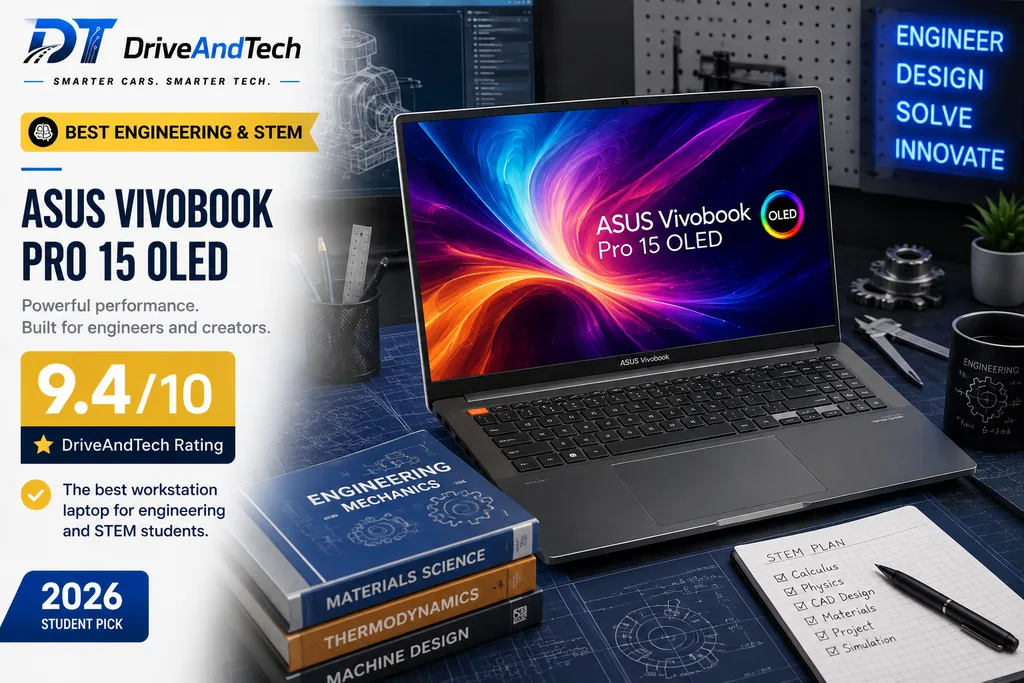
The ASUS Vivobook Pro 15 OLED is our Best Engineering & STEM choice for students whose workloads demand more power than a conventional ultraportable can provide.
Our recommended configuration combines an Intel Core Ultra 7 processor, 16GB RAM, 1TB SSD and NVIDIA GeForce RTX 4050 graphics. That dedicated GPU is the key difference: it makes the Vivobook Pro considerably better suited to CAD, 3D modelling, engineering applications, programming and demanding creative workloads.
Key Specs
- Processor: Intel Core Ultra 7
- RAM: 16GB
- Storage: 1TB SSD
- Display: 15.6-inch OLED
- Graphics: NVIDIA GeForce RTX 4050
- Operating System: Windows 11
- Connectivity: Thunderbolt 4/USB-C, USB-A, HDMI, card reader, Wi-Fi and Bluetooth
- Approx. UK Price: Around £1,499, depending on configuration
Pros
- Powerful Intel Core Ultra processor
- Dedicated NVIDIA RTX graphics
- Excellent OLED display
- Generous 1TB SSD
- Strong choice for technical software
- Suitable for demanding creative workloads
- More versatile than a standard student ultraportable
Cons
- Expensive for general student use
- Heavier than 13-inch and 14-inch alternatives
- Dedicated graphics increase power consumption
- Unnecessary performance for basic coursework
Why We Recommend It
Most students do not need a dedicated graphics card. Engineering and STEM students can be an important exception.
Applications involving CAD, 3D modelling, simulation, rendering or GPU acceleration can place significantly greater demands on a laptop than essays and web research. The combination of a Core Ultra processor and RTX 4050 gives the Vivobook Pro 15 OLED considerably more headroom for these workloads.
The 1TB SSD is another advantage for students working with large project files, datasets or creative assets.
Its higher price means we would not recommend it purely for Microsoft 365 and browsing. Its value comes from providing genuinely useful additional performance for students whose courses can take advantage of it.
Performance
The Core Ultra 7 and RTX 4050 combination is designed for heavier workloads than the integrated-graphics laptops elsewhere in this ranking.
It provides a stronger foundation for engineering applications, programming, content creation and GPU-accelerated software while still functioning comfortably as an everyday university laptop.
Students should nevertheless check their university’s recommended specifications for specialist applications before purchasing.
Display & Keyboard
The 15.6-inch OLED display provides more working space than a typical 13-inch or 14-inch student laptop, which can be particularly useful when viewing technical drawings, timelines, code or multiple windows.
OLED technology also provides excellent contrast and colour reproduction, making this a strong option for students combining technical and creative work.
Battery Life
Battery endurance is not the Vivobook Pro’s primary advantage.
Its larger display and dedicated NVIDIA graphics can consume considerably more power than an ultraportable. Students prioritising maximum unplugged endurance should consider the lighter options in this guide instead.
For demanding workloads, access to a charger during longer sessions is sensible.
Portability & Build Quality
The Vivobook Pro 15 OLED is naturally larger and heavier than our mainstream 14-inch recommendations.
That trade-off provides a larger screen, more powerful hardware and dedicated graphics. It remains portable enough for university use, but students carrying their laptop long distances every day should factor the additional size and charger into their decision.
Ports & Connectivity
A strong selection of connections adds to its usefulness for technical courses.
Relevant configurations provide Thunderbolt 4/USB-C, USB-A, HDMI and a card reader, making it easier to connect external displays, storage devices and specialist accessories.
Who Should Buy It?
The ASUS Vivobook Pro 15 OLED is particularly suitable for students studying:
- Engineering
- Architecture
- Computer science
- 3D design and modelling
- Data-intensive STEM subjects
- Video production
- Graphic and digital design
Students primarily writing essays, researching online and using Microsoft 365 can save substantially by choosing one of our lighter mainstream recommendations.
Where to Buy
Check the latest UK price and exact configuration at:
- ASUS UK — Official Store
- Amazon UK
- Currys
- John Lewis, where available
DriveAndTech Tip: Pay close attention to the graphics specification. Vivobook Pro 15 OLED configurations vary, and students buying specifically for engineering or 3D work should confirm that the model includes the dedicated NVIDIA GPU they require.
DriveAndTech Verdict
The ASUS Vivobook Pro 15 OLED sacrifices some portability and battery efficiency in exchange for something our lighter recommendations cannot offer: substantially stronger graphics capability.
For engineering, STEM and creative students who genuinely need dedicated GPU performance, its Core Ultra processor, RTX graphics, large OLED display and generous storage make it one of the best laptops for students UK buyers should consider for demanding technical workloads.
DriveAndTech Rating: 9.4/10
Award: 🧠 Best Engineering & STEM
Specifications, graphics options and battery performance vary by configuration. Check the exact UK model before purchasing.
6. Apple MacBook Neo — Best for Creative Students
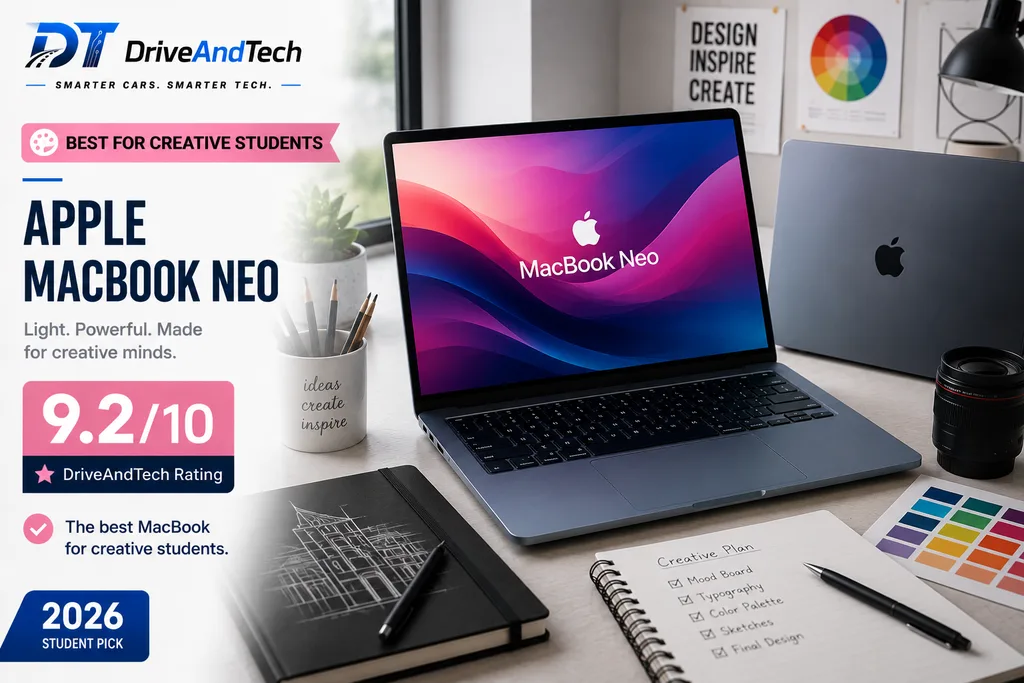
The Apple MacBook Neo is our Best for Creative Students pick, offering an accessible route into macOS in a compact, lightweight design.
Powered by Apple’s A18 Pro chip, it is aimed at students who want a capable everyday Mac for coursework, media, photography, design and lighter creative projects without paying MacBook Air or MacBook Pro prices. With UK pricing starting around £599, it is particularly interesting for students already using an iPhone or iPad.
Key Specs
- Processor: Apple A18 Pro
- Memory & Storage: Varies by configuration
- Display: 13-inch Liquid Retina
- Graphics: Integrated Apple GPU
- Battery: Up to 16 hours*
- Operating System: macOS
- Build: Aluminium
- Connectivity: USB-C ports, 3.5mm headphone socket, Wi-Fi and Bluetooth
- Approx. UK Price: From around £599
Pros
- Affordable entry into the Mac ecosystem
- Compact and easy to carry
- Strong A18 Pro efficiency
- Quality Liquid Retina display
- Up to 16 hours claimed battery life
- Excellent integration with iPhone and iPad
Cons
- Less powerful than the MacBook Air M5
- Limited connectivity
- Not intended for heavy professional creative workloads
- macOS may not support some specialist course software
Why We Recommend It
The MacBook Neo fills an interesting gap for students who want macOS but cannot justify spending around £1,000 on a MacBook Air.
Its A18 Pro chip provides enough performance for everyday university work alongside lighter creative tasks such as photo editing, graphics, presentations and media projects. The compact design also makes it easy to carry between lectures.
For creative students, the attraction extends beyond raw specifications. Apple’s wider ecosystem makes transferring photographs, documents and other content between an iPhone, iPad and Mac particularly convenient.
It should not, however, be confused with a MacBook Pro. Students working extensively with complex video projects, 3D rendering or other demanding professional applications should choose more powerful hardware.
Performance
The A18 Pro is well suited to research, Microsoft 365, web applications, video calls and everyday multitasking, with additional capability for moderate creative work.
Students considering demanding specialist applications should check both performance requirements and macOS compatibility before purchasing.
Display & Keyboard
The 13-inch Liquid Retina display provides a sharp, high-quality workspace for documents and visual content while keeping the laptop compact.
Its smaller screen is excellent for portability, although students who regularly work with large timelines or multiple creative windows may prefer a larger external monitor when studying at home.
Battery Life
Apple claims up to 16 hours of battery life under specified testing conditions, giving the MacBook Neo strong potential for lectures and general study away from a charger.
Actual endurance will vary with workload and display brightness.
Portability & Build Quality
A compact aluminium chassis is one of the Neo’s strongest student-friendly qualities. It is designed to travel easily while retaining the premium construction associated with Apple’s MacBook range.
This makes it particularly attractive to commuters and students who carry their laptop throughout the day.
Ports & Connectivity
Connectivity is relatively minimal, with USB-C and a headphone socket alongside wireless connectivity.
Students regularly using HDMI displays, USB-A accessories or memory cards may therefore need a suitable USB-C hub.
Who Should Buy It?
The MacBook Neo is particularly suitable for:
- Graphic and digital design students
- Photography students
- Media and communications courses
- Business and humanities
- Education
- General university study
Students requiring Windows-only applications or substantial GPU performance should consider alternatives elsewhere in this ranking.
Where to Buy
Check the latest UK price and exact configuration at:
- Apple UK — Official Store
- Apple Education Store UK
- Amazon UK
- Currys
- John Lewis
DriveAndTech Tip: Compare the MacBook Neo with the MacBook Air M5 after applying Apple Education pricing. If the price gap becomes relatively small, the more powerful MacBook Air may offer better long-term value.
DriveAndTech Verdict
The Apple MacBook Neo makes the Mac ecosystem accessible to a much wider student audience. Its combination of A18 Pro performance, a quality display, long battery potential and compact aluminium construction makes it particularly appealing for everyday study and lighter creative work.
For students who want an affordable Mac without paying for performance they may never use, it earns our Best for Creative Students award.
DriveAndTech Rating: 9.2/10
Award: 🎨 Best for Creative Students
Battery figures are manufacturer claims. Specifications, pricing and real-world battery performance may vary.
7. HP OmniBook 5 14 — Best Battery Life
The HP OmniBook 5 14 is our Best Battery Life choice for students who spend long days moving between lectures, libraries and study spaces.
The configuration we recommend combines a Snapdragon X processor, 16GB RAM, 512GB SSD and a 14-inch 2K OLED display. At around £629, it offers an impressive mix of portability, premium screen quality and exceptional claimed battery endurance.
Key Specs
- Processor: Qualcomm Snapdragon X
- RAM: 16GB
- Storage: 512GB SSD
- Display: 14-inch 2K OLED
- Graphics: Qualcomm Adreno
- Battery: Up to 34 hours*
- Operating System: Windows 11
- Connectivity: USB-C, USB-A, Wi-Fi and Bluetooth
- Approx. UK Price: Around £629
Pros
- Exceptional claimed battery life
- 14-inch 2K OLED display
- 16GB RAM and 512GB storage
- Efficient Snapdragon X processor
- Portable student-friendly design
- Strong specification for the price
Cons
- Windows on ARM requires a compatibility check
- Not designed for demanding GPU workloads
- Specialist or older Windows applications may cause issues
- Actual battery life will be lower under demanding use
Why We Recommend It
Battery anxiety can be a genuine inconvenience for students who spend most of their day on campus. This is where the OmniBook 5 stands out.
HP claims up to 34 hours of battery life for the relevant configuration under its specified testing conditions. Real-world results will vary considerably, but the efficient Snapdragon platform still makes battery endurance one of this laptop’s strongest advantages.
The specification is also unusually well balanced for its price. You get 16GB RAM and 512GB storage alongside a 2K OLED display, rather than sacrificing screen quality to achieve better efficiency.
The main caveat is Windows on ARM. Students should check specialist software required by their course before purchasing.
Performance
Snapdragon X provides responsive performance for Microsoft 365, research, web applications, video conferencing and general multitasking.
It is particularly suitable for productivity-focused courses, but students using specialist engineering, scientific or legacy Windows software should confirm ARM compatibility first.
Display & Keyboard
The 14-inch 2K OLED display is a major advantage at this price, providing sharp text, excellent contrast and rich colours for coursework and entertainment.
Its 14-inch format also maintains a useful balance between comfortable productivity and portability.
Battery Life
Battery life is the headline feature. HP advertises up to 34 hours for the relevant OmniBook 5 configuration under specific testing conditions.
Students should treat that figure as a maximum manufacturer claim rather than an expectation for everyday use. Even so, the Snapdragon X platform makes this one of the strongest options here for students prioritising time away from a charger.
Portability & Build Quality
The compact 14-inch design is well suited to daily travel and campus use. It provides enough screen space for productive work without the bulk associated with larger performance laptops.
Ports & Connectivity
USB-C and USB-A connectivity provides support for modern and existing accessories, alongside Wi-Fi and Bluetooth for everyday wireless use.
Who Should Buy It?
The HP OmniBook 5 14 is particularly suitable for:
- Students with long campus days
- Commuting students
- Business and management
- Law and humanities
- Healthcare and social sciences
- Education and general academic study
It is especially compelling for students who prioritise battery life and portability over specialist high-performance software.
Where to Buy
Check the latest UK price and exact configuration at:
- HP UK — Official Store
- Amazon UK
- Currys
- John Lewis, where available
DriveAndTech Tip: Check that your essential university software supports Windows on ARM before buying. If it does, the OmniBook 5’s combination of battery efficiency, OLED display and 16GB/512GB specification makes it excellent value.
DriveAndTech Verdict
The HP OmniBook 5 14 offers much more than impressive battery claims. Its OLED display, sensible memory and storage specification and efficient Snapdragon platform create a genuinely attractive student package.
For students seeking one of the best laptops for students UK with battery endurance as the priority, the OmniBook 5 14 earns our recommendation.
DriveAndTech Rating: 9.3/10
Award: 🔋 Best Battery Life
The 34-hour figure is an HP maximum battery-life claim under specified test conditions. Actual results vary substantially with workload, brightness, connectivity and settings.
8. Lenovo Yoga 7 2-in-1 — Best 2-in-1
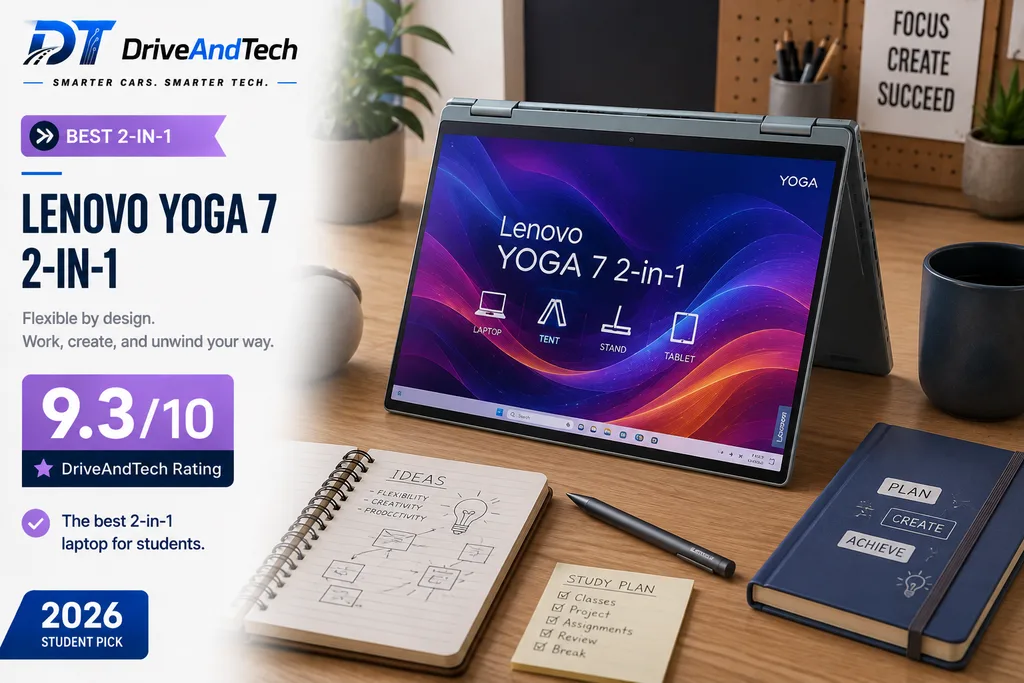
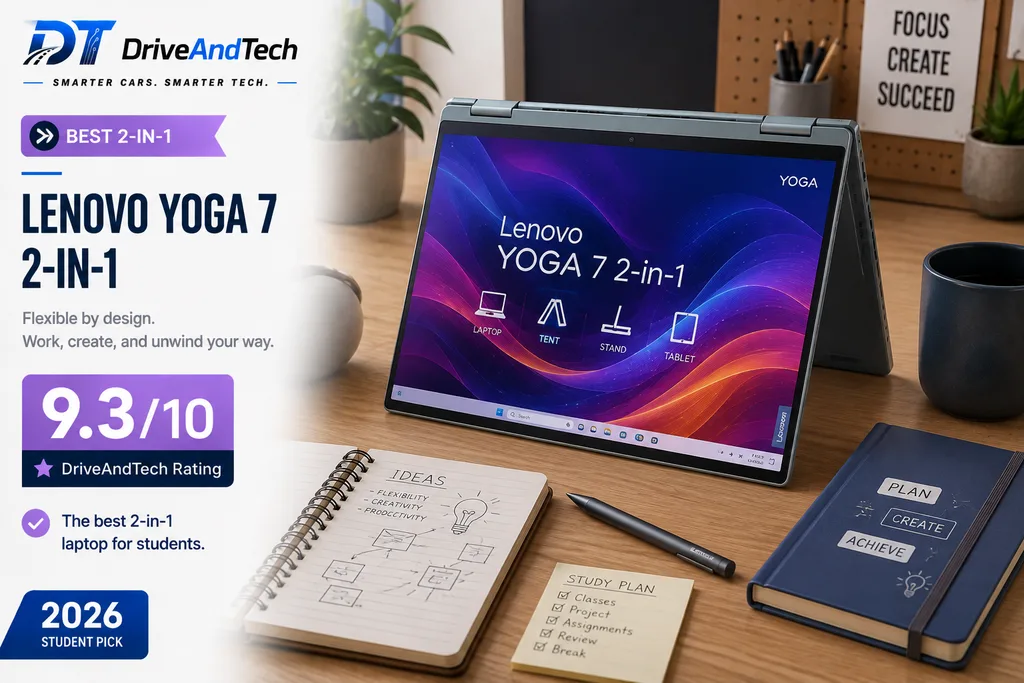
The Lenovo Yoga 7 2-in-1 is our Best 2-in-1 for students who want the productivity of a conventional laptop with the flexibility of a touchscreen tablet.
Its 360-degree hinge and 14-inch OLED touchscreen allow it to switch between laptop, tablet, tent and presentation modes. Paired with an AMD Ryzen 7 processor, 16GB RAM and 512GB SSD, it is particularly appealing for students who take handwritten notes, annotate documents or prefer a more interactive way of studying.
Key Specs
- Processor: AMD Ryzen 7
- RAM: 16GB
- Storage: 512GB SSD
- Display: 14-inch OLED touchscreen
- Graphics: Integrated AMD Radeon graphics
- Battery: Around 14 hours claimed*
- Weight: Around 1.5kg
- Operating System: Windows 11
- Design: 360-degree convertible
- Approx. UK Price: Around £1,000–£1,200
Pros
- Versatile 360-degree convertible design
- Excellent OLED touchscreen
- Strong Ryzen 7 performance
- 16GB RAM and 512GB storage
- Useful for handwritten notes and annotation
- Full Windows software compatibility
Cons
- More expensive than standard student laptops
- Heavier than leading ultraportables
- Pen availability can vary by configuration
- Integrated graphics are not intended for heavy 3D workloads
Why We Recommend It
The Yoga 7 earns its place because its convertible design can genuinely change how a student works.
In laptop mode, it handles essays, research, presentations and everyday productivity like a conventional Windows machine. Fold the screen back and it becomes useful for digital note-taking, reading, drawing, annotating lecture slides and presentations.
The Ryzen 7 processor and 16GB RAM provide plenty of performance for mainstream university work, while the OLED touchscreen gives the device a more premium visual experience.
Students who will never use tablet or pen functionality can get similar performance for less elsewhere. But for those who will, the additional flexibility can justify the premium.
Performance
The Ryzen 7 platform provides strong performance for productivity, multitasking, programming and moderate creative work.
Integrated Radeon graphics can handle everyday visual workloads, although engineering students requiring demanding CAD, rendering or GPU acceleration should consider a dedicated-graphics laptop instead.
Display & Keyboard
The 14-inch OLED touchscreen is the Yoga’s defining feature. It combines strong contrast and rich colours with direct touch input, while the 360-degree hinge allows the screen to adapt to different study environments.
A physical keyboard remains available whenever serious typing is required, making the Yoga more practical for long assignments than a tablet alone.
Battery Life
Relevant configurations offer around 14 hours of claimed battery life, although touchscreen use, OLED brightness and demanding applications can reduce real-world endurance.
That should still provide useful mobility for lectures and study sessions.
Portability & Build Quality
At around 1.5kg, the Yoga 7 is heavier than the lightest laptops in this ranking, but its additional weight reflects the touchscreen and convertible hinge.
For students who would otherwise carry both a laptop and tablet, the 2-in-1 design may actually simplify their setup.
Ports & Connectivity
The Yoga 7 provides modern USB-C connectivity alongside additional ports on relevant configurations, making it practical for accessories, displays and university peripherals.
Who Should Buy It?
The Lenovo Yoga 7 2-in-1 is particularly suitable for:
- Students who take digital handwritten notes
- Design and creative students
- Education and healthcare students
- Business students
- Students who read and annotate large numbers of documents
- Anyone wanting one device to function as both laptop and tablet
Where to Buy
Check the latest UK price and exact configuration at:
- Lenovo UK — Official Store
- Amazon UK
- Currys
- John Lewis, where available
DriveAndTech Tip: If handwritten notes are important, confirm whether the digital pen is included with the exact configuration or must be purchased separately.
DriveAndTech Verdict
The Lenovo Yoga 7 2-in-1 costs more than a conventional student laptop, but its OLED touchscreen and 360-degree design provide functionality the others cannot match.
For students who will genuinely use tablet mode, touch input and digital annotation, it is our Best 2-in-1 choice.
DriveAndTech Rating: 9.3/10
Award: 🔄 Best 2-in-1
Battery figures are manufacturer claims and vary according to configuration, brightness, workload and usage.
9. Lenovo Chromebook Plus 14 — Best Chromebook
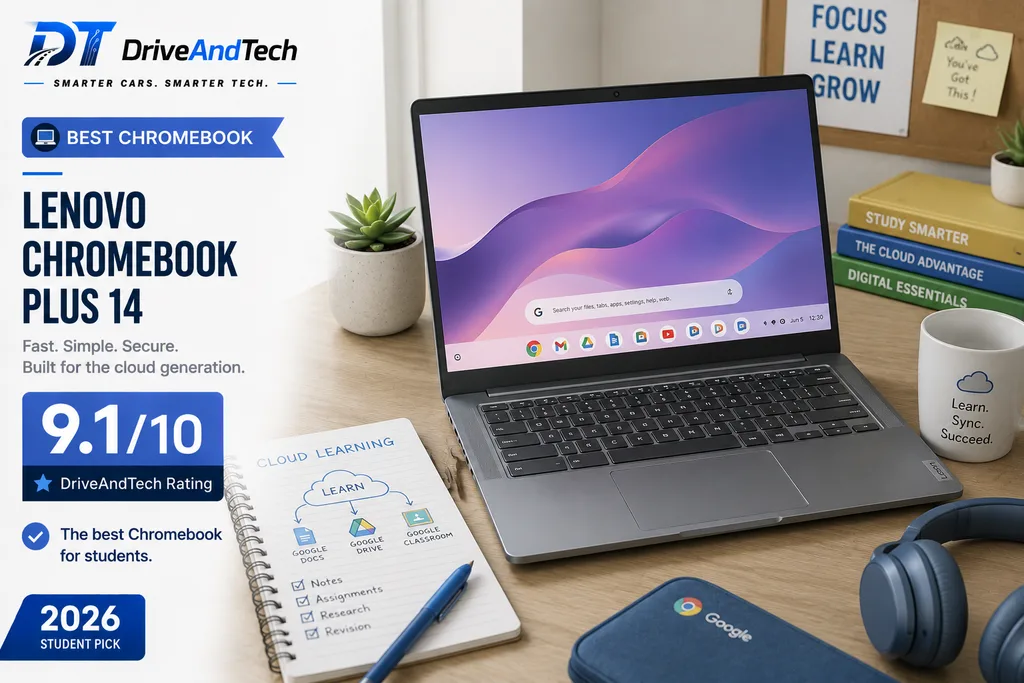
The Lenovo Chromebook Plus 14 is our Best Chromebook for students who prioritise portability, battery life and web-based study over traditional Windows software.
Powered by the MediaTek Kompanio Ultra 910, the recommended configuration offers 12GB RAM, 128GB storage and a 14-inch OLED display. At around £499–£599, it delivers a more premium Chromebook experience than the inexpensive models commonly associated with ChromeOS.
Key Specs
- Processor: MediaTek Kompanio Ultra 910
- RAM: 12GB
- Storage: 128GB
- Display: 14-inch 1920 × 1200 OLED
- Battery: Up to 17 hours*
- Weight: Around 1.17kg
- Operating System: ChromeOS
- Connectivity: 2 × USB-C, USB-A, headphone socket, Wi-Fi 7, Bluetooth
- Approx. UK Price: Around £499–£599
Pros
- Excellent OLED display
- Very light at around 1.17kg
- Strong battery potential
- Fast and streamlined ChromeOS experience
- Good connectivity
- Ideal for browser and cloud-based study
Cons
- Cannot run traditional Windows or macOS applications
- 128GB storage is modest
- Poor choice for specialist engineering or creative software
- Expensive compared with basic Chromebooks
Why We Recommend It
The Chromebook Plus 14 makes sense for a particular type of student: one whose university work happens primarily in a browser.
Google Docs, Microsoft 365 web apps, research platforms, email, video calls and cloud storage are natural fits for ChromeOS. The efficient processor, low weight and long battery potential also make it an excellent campus companion.
Unlike many budget Chromebooks, the OLED display gives this model a genuinely premium element, while 12GB RAM provides comfortable headroom for multitasking.
Its limitation is software compatibility. Students who need full desktop Windows applications, specialist scientific programs, CAD or professional creative software should choose another laptop in this guide.
Performance
The Kompanio Ultra 910 provides responsive performance for ChromeOS, web applications, streaming, video conferencing and multitasking.
For cloud-focused coursework it is more than capable, but this laptop should be chosen for efficiency and simplicity rather than workstation-level performance.
Display & Keyboard
The 14-inch OLED display offers excellent contrast and rich colours, making the Chromebook equally pleasant for reading, writing and entertainment.
Its 1920 × 1200 resolution also provides a useful taller workspace for documents and web pages.
Battery Life & Portability
Lenovo claims up to 17 hours of battery life, while the non-touch model weighs around 1.17kg.
That combination makes it one of the easiest laptops in this ranking to carry through a full day of lectures and study.
Ports & Connectivity
Two USB-C ports, USB-A and a headphone socket provide useful physical connectivity, complemented by Wi-Fi 7 and Bluetooth.
Who Should Buy It?
The Lenovo Chromebook Plus 14 is best suited to students whose courses rely mainly on:
- Web research and online learning
- Google Workspace
- Microsoft 365 web applications
- Essays and presentations
- Video conferencing
- Cloud-based coursework
Where to Buy
Check the latest UK price and exact configuration at:
- Lenovo UK — Official Store
- Amazon UK
- Currys
- John Lewis, where available
DriveAndTech Tip: Check your university’s required software before choosing ChromeOS. If everything you need works through a browser or supported app, this Chromebook can be an excellent lightweight alternative to Windows and macOS.
DriveAndTech Verdict
The Lenovo Chromebook Plus 14 combines the simplicity of ChromeOS with a premium OLED display, excellent portability and strong battery potential.
It is not suitable for every degree, but for students working primarily online, it deserves its place among the best laptops for students UK.
DriveAndTech Rating: 9.1/10
Award: 💻 Best Chromebook
Battery figures are manufacturer claims. Actual results vary according to brightness, applications, connectivity and usage.
10. Microsoft Surface Laptop 13-inch — Best Premium
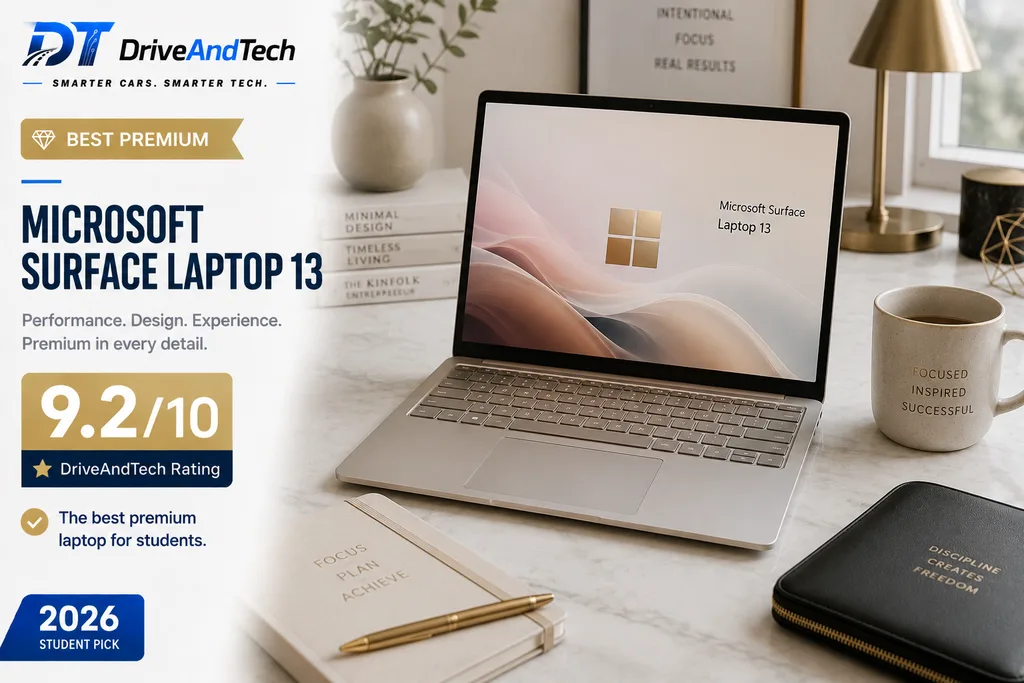
The Microsoft Surface Laptop 13-inch is our Best Premium choice for students who value portability, build quality and a clean Windows experience.
Powered by the Snapdragon X Plus, our recommended configuration combines 16GB RAM and 512GB SSD storage with a compact 13-inch touchscreen. At around 1.22kg, it is particularly attractive to students who want a premium laptop that remains easy to carry every day.
Key Specs
- Processor: Qualcomm Snapdragon X Plus
- RAM: 16GB
- Storage: 512GB SSD
- Display: 13-inch PixelSense touchscreen
- Graphics: Integrated Qualcomm Adreno
- Battery: Up to 16 hours of active web use*
- Weight: Around 1.22kg
- Operating System: Windows 11
- Connectivity: 2 × USB-C, Wi-Fi 7, Bluetooth
- Approx. UK Price: Around £1,050–£1,150 for 16GB/512GB
Pros
- Premium, lightweight design
- Excellent 13-inch touchscreen
- Strong Snapdragon X Plus efficiency
- 16GB RAM and 512GB storage
- Good battery potential
- High-quality 1080p webcam
- Clean Microsoft Windows experience
Cons
- Expensive for the specification
- Limited physical ports
- Windows-on-ARM compatibility needs checking
- Power adapter may not be included with some configurations
Why We Recommend It
The Surface Laptop stands out less through raw specifications and more through the quality of the complete package.
Its compact touchscreen, low weight and premium construction make it particularly pleasant for students who commute or carry their laptop throughout the day. The Snapdragon X Plus also provides responsive performance for mainstream academic workloads while prioritising efficiency.
The 16GB/512GB configuration is the version we would favour for long-term student use.
However, at over £1,000, value is not its strongest argument. Students primarily concerned with performance per pound can spend less elsewhere. The Surface earns its position for those willing to pay more for design, portability, touchscreen functionality and Microsoft’s polished hardware experience.
Performance
The Snapdragon X Plus comfortably handles Microsoft 365, research, video calls, web applications and everyday multitasking.
As with other ARM-based Windows laptops in this guide, students using specialist or legacy applications should verify compatibility before purchasing.
Display & Keyboard
The 13-inch PixelSense touchscreen keeps the Surface compact while providing direct touch interaction for navigation and document work.
Its keyboard and precision touchpad are designed around productivity, making the laptop particularly suitable for students who spend substantial time writing essays, reports or notes.
Battery Life & Portability
Microsoft claims up to 16 hours of active web usage under specified testing conditions.
Combined with its approximately 1.22kg weight, the Surface is particularly well suited to long campus days and students who regularly commute.
Ports & Connectivity
Two USB-C ports provide the core physical connectivity, alongside Wi-Fi 7 and Bluetooth.
The minimalist port selection may require an adapter or hub for HDMI, USB-A and other peripherals.
Who Should Buy It?
The Surface Laptop 13-inch is particularly suitable for:
- Business and management
- Law and humanities
- Healthcare
- Education
- Social sciences
- Students who prioritise premium design and portability
- Students who want a compact Windows touchscreen laptop
Where to Buy
Check the latest UK price and exact configuration at:
- Microsoft UK — Official Store
- Amazon UK
- Currys
- John Lewis
DriveAndTech Tip: At this price, compare the Surface directly with the Zenbook 14 OLED and MacBook Air M5. Choose the Surface when its compact touchscreen design and premium Windows experience matter more to you than maximum performance per pound.
DriveAndTech Verdict
The Microsoft Surface Laptop 13-inch is expensive, but it delivers an exceptionally portable and refined Windows experience.
For students prepared to pay more for a lightweight premium build, touchscreen and strong everyday usability, it completes our selection of the best laptops for students UK as the Best Premium choice.
DriveAndTech Rating: 9.2/10
Award: 💎 Best Premium
Battery figures are Microsoft claims under specified test conditions. Actual endurance varies with workload, brightness, connectivity and settings.
Best Laptop by University Course
The right student laptop depends heavily on what you study. A business student writing reports and working in spreadsheets has very different requirements from an engineering student running CAD software or a creative student editing visual content.
Here is our quick guide to choosing from the best laptops for students UK according to your course.
| University Course | Our Pick | Why |
|---|---|---|
| Business & Management | ASUS Zenbook 14 OLED | Excellent balance of portability, performance and battery life |
| Engineering | ASUS Vivobook Pro 15 OLED | Dedicated NVIDIA graphics for demanding technical workloads |
| Computer Science | ASUS Zenbook 14 OLED | Strong performance, portability and broad Windows compatibility |
| Medicine & Healthcare | ASUS Zenbook 14 OLED | Lightweight, dependable and easy to carry between placements and lectures |
| Law & Humanities | Acer Aspire 14 AI | Strong everyday performance and OLED display without premium pricing |
| Graphic Design & Media | MacBook Air M5 | Excellent performance, display quality and creative software ecosystem |
| Photography & Light Creative Work | MacBook Neo | Affordable entry into macOS for lighter creative workloads |
| Education | Lenovo Yoga 7 2-in-1 | Touchscreen and tablet mode are useful for notes and presentations |
| Social Sciences | Acer Aspire 14 | Excellent value for research, essays and everyday productivity |
| Mostly Online Study | Lenovo Chromebook Plus 14 | Lightweight, efficient and ideal for browser-based coursework |
Engineering & STEM Students
Engineering, architecture and some STEM courses can require considerably more processing and graphics performance than general university study.
The ASUS Vivobook Pro 15 OLED is our preferred option because its dedicated NVIDIA RTX graphics provide additional capability for CAD, 3D modelling, rendering and other GPU-accelerated applications.
Before purchasing, check the hardware requirements for the specific software used by your university.
Computer Science Students
For most computer science students, the ASUS Zenbook 14 OLED offers the best balance. Its Intel Core Ultra platform, 16GB RAM and Windows compatibility provide a strong environment for coding, development tools and virtual learning platforms without sacrificing portability.
The MacBook Air M5 is also an excellent alternative where required development tools support macOS.
Business, Law & Humanities Students
These courses generally prioritise portability, battery life and comfortable everyday productivity over dedicated graphics.
The ASUS Zenbook 14 OLED, Acer Aspire 14 AI and lower-priced Acer Aspire 14 are therefore particularly strong choices.
Students mainly using Word, PowerPoint, spreadsheets, web research and video conferencing rarely need an expensive performance laptop.
Creative Students
For design, photography, media and content creation, the MacBook Air M5 provides the strongest combination of performance and portability among our Mac recommendations.
Students with lighter creative requirements and a smaller budget can consider the MacBook Neo, while those needing dedicated graphics should look towards the ASUS Vivobook Pro 15 OLED.
Healthcare & Education Students
Portability becomes especially important when a laptop regularly travels between university, placements and home.
The ASUS Zenbook 14 OLED is our strongest conventional option, while the Lenovo Yoga 7 2-in-1 is particularly useful for students who want to annotate documents or take handwritten digital notes.
DriveAndTech Tip: Never choose a laptop based on the course name alone. Check your university’s recommended hardware and required software first — particularly for engineering, architecture, computer science and specialist creative courses.
DriveAndTech Course Pick
If your course does not require specialist hardware, there is little reason to buy a heavy performance laptop. A modern processor, 16GB RAM, 512GB SSD and good battery life provide the better balance for most students.
That is also why the ASUS Zenbook 14 OLED remains our Best Overall choice: it covers the widest range of university workloads without unnecessary hardware or excessive weight.
How Much Should You Spend on a Student Laptop?
You do not need to spend £1,000+ to get a good student laptop. For most university students, £500–£800 is the sweet spot, providing enough performance, memory and storage for several years of study without paying for unnecessary power.
| Budget | What to Expect | Best For |
|---|---|---|
| Under £500 | Basic productivity and web-focused laptops | Essays, research and online study |
| £500–£700 | 16GB RAM, good battery life and solid everyday performance | Most students |
| £700–£1,000 | Better displays, lighter builds and stronger processors | Students wanting a premium all-rounder |
| £1,000+ | Premium construction, specialist performance or dedicated graphics | Engineering, creative work and demanding courses |
Under £500 — Buy Carefully
Below £500, prioritise memory, storage and processor quality rather than appearance. Avoid buying an underpowered laptop simply because it is cheap.
A discounted previous-generation model can sometimes offer better value than a brand-new entry-level machine.
£500–£700 — Best Value for Most Students
This is arguably the strongest price range for student buyers.
Models such as the Acer Aspire 14 and HP OmniBook 5 14 demonstrate how much hardware is now available around £500–£700, including 16GB RAM, 512GB storage and strong battery potential.
For students mainly using Microsoft 365, browsers, video calls and university platforms, spending substantially more may provide little practical benefit.
£700–£1,000 — The Premium Sweet Spot
Moving towards £800–£1,000 generally buys better displays, lighter construction, stronger processors and improved overall refinement.
The ASUS Zenbook 14 OLED represents this category particularly well. This price range makes sense for students who expect to keep their laptop throughout university and want something more premium without entering workstation pricing.
Over £1,000 — Only If You Need It
Spending above £1,000 should usually deliver a clear benefit.
That could mean dedicated graphics for engineering or creative applications, as with the ASUS Vivobook Pro 15 OLED, or premium design and portability from devices such as the MacBook Air M5 and Microsoft Surface Laptop.
Do not assume that the most expensive laptop is automatically the best student laptop.
DriveAndTech Tip: Set your budget around your course requirements first. For most students, a well-chosen £500–£800 laptop is a better investment than paying £1,200+ for performance they will rarely use.
Student Laptop Discounts UK: How to Pay Less
Before buying a laptop at the advertised retail price, check whether you qualify for a student or education discount. Depending on the manufacturer and current promotion, the saving can make a higher-specification laptop affordable within your original budget.
Check Manufacturer Education Stores
Several major laptop manufacturers offer dedicated student or education pricing. Before purchasing, check:
- Apple Education Store UK — education pricing on eligible Mac products- https://www.apple.com/uk-edu/store?utm_source=chatgpt.com
- Microsoft Education — student discounts on eligible Surface devices-
- Microsoft Education / Student Store UK
- Lenovo Education Store — student and education offers on selected laptops
- https://www.lenovo.com/gb/en/student-deals/?utm_source=chatgpt.com
- HP Student Store — discounts and promotions for eligible students-
- HP Student & Teacher Store UK
ASUS and Acer also run UK promotions throughout the year, so compare their direct prices with major retailers before ordering.
Use Student Discount Platforms
Services such as UNiDAYS and Student Beans frequently provide technology offers for verified students. Available brands and discount levels change, so it is worth checking both before purchasing.
Your university may also provide its own technology offers through student portals or partnerships.
Time Your Purchase
Some of the strongest laptop promotions appear around:
- Back-to-university season
- Black Friday
- Boxing Day and January sales
- Amazon Prime events
- Manufacturer-specific promotions
However, waiting for a sale only makes sense if you do not urgently need the laptop. A strong discount on the correct specification is more valuable than a larger discount on an unsuitable model.
Compare the Final Price, Not the Discount
A 15% student discount does not automatically make one retailer cheaper. Another retailer may already be selling the same configuration below the manufacturer’s discounted price.
Always compare the exact model number, RAM, storage, processor and final checkout price.
DriveAndTech Tip: Check student pricing before reducing your specification to stay within budget. An education discount may allow you to move from 8GB to 16GB RAM or from 256GB to 512GB storage without substantially increasing your final cost.
Frequently Asked Questions
What is the best laptop for a university student in the UK?
The ASUS Zenbook 14 OLED is our Best Overall choice because it combines strong performance, a premium OLED display, low weight and useful connectivity at a relatively sensible price.
However, the best choice depends on your course. Engineering students may benefit from dedicated graphics, while students working mainly through a browser may be perfectly served by a Chromebook.
How much RAM does a student laptop need?
We recommend 16GB RAM for most students buying a laptop in 2026.
8GB can still handle basic tasks, but 16GB provides more room for multitasking and is a better choice for a laptop expected to last throughout a university degree.
Is 512GB storage enough for university?
For most students, 512GB SSD storage is the sweet spot. It provides considerably more flexibility than 128GB or 256GB without adding the cost of a 1TB drive.
Students working with large video files, engineering projects or extensive creative assets may benefit from 1TB.
Is a MacBook or Windows laptop better for university?
Neither is universally better.
Windows offers the broadest hardware choice and software compatibility, while MacBooks provide excellent performance, battery efficiency and integration with other Apple devices.
Check the applications required by your course before deciding. Software compatibility should take priority over brand preference.
Is a Chromebook good enough for university?
Yes, if your course is primarily web-based.
Chromebooks work well for research, essays, Google Workspace, browser-based Microsoft 365 and online learning. They are less suitable for courses requiring specialist Windows or macOS desktop applications.
Do engineering students need a dedicated graphics card?
Not always, but some engineering, architecture, CAD, 3D modelling and rendering applications can benefit substantially from a dedicated GPU.
Check your university’s software and hardware requirements before buying. For more demanding technical workloads, our ASUS Vivobook Pro 15 OLED recommendation includes dedicated NVIDIA graphics.
Should I buy a 13-inch, 14-inch or 15-inch laptop for university?
For most students, 14 inches offers the best balance between screen space and portability.
A 13-inch laptop is excellent for frequent commuting, while a 15-inch model provides more workspace but adds size and weight. Students running technical or creative applications may find the larger display worthwhile.
When is the best time to buy a student laptop?
Back-to-university promotions, Black Friday and major seasonal sales can provide good discounts. Students should also check manufacturer education stores, UNiDAYS and Student Beans.
More importantly, compare the final price of the exact configuration rather than buying solely because a retailer advertises a large percentage discount.
Frequently Asked Questions
What is the best laptop for a university student in the UK?
The ASUS Zenbook 14 OLED is our Best Overall choice because it combines strong performance, a premium OLED display, low weight and useful connectivity at a relatively sensible price.
However, the best choice depends on your course. Engineering students may benefit from dedicated graphics, while students working mainly through a browser may be perfectly served by a Chromebook.
How much RAM does a student laptop need?
We recommend 16GB RAM for most students buying a laptop in 2026.
8GB can still handle basic tasks, but 16GB provides more room for multitasking and is a better choice for a laptop expected to last throughout a university degree.
Is 512GB storage enough for university?
For most students, 512GB SSD storage is the sweet spot. It provides considerably more flexibility than 128GB or 256GB without adding the cost of a 1TB drive.
Students working with large video files, engineering projects or extensive creative assets may benefit from 1TB.
Is a MacBook or Windows laptop better for university?
Neither is universally better.
Windows offers the broadest hardware choice and software compatibility, while MacBooks provide excellent performance, battery efficiency and integration with other Apple devices.
Check the applications required by your course before deciding. Software compatibility should take priority over brand preference.
Is a Chromebook good enough for university?
Yes, if your course is primarily web-based.
Chromebooks work well for research, essays, Google Workspace, browser-based Microsoft 365 and online learning. They are less suitable for courses requiring specialist Windows or macOS desktop applications.
Do engineering students need a dedicated graphics card?
Not always, but some engineering, architecture, CAD, 3D modelling and rendering applications can benefit substantially from a dedicated GPU.
Check your university’s software and hardware requirements before buying. For more demanding technical workloads, our ASUS Vivobook Pro 15 OLED recommendation includes dedicated NVIDIA graphics.
Should I buy a 13-inch, 14-inch or 15-inch laptop for university?
For most students, 14 inches offers the best balance between screen space and portability.
A 13-inch laptop is excellent for frequent commuting, while a 15-inch model provides more workspace but adds size and weight. Students running technical or creative applications may find the larger display worthwhile.
When is the best time to buy a student laptop?
Back-to-university promotions, Black Friday and major seasonal sales can provide good discounts. Students should also check manufacturer education stores, UNiDAYS and Student Beans.
More importantly, compare the final price of the exact configuration rather than buying solely because a retailer advertises a large percentage discount.
Related Buying Guides
Still comparing your options? Explore more DriveAndTech buying guides to help you choose the right technology for your budget and needs.
- Best Budget Laptops UK — Our top affordable laptops for everyday work, study and home use.
- Best Laptops Under £500 UK — The strongest options for buyers working with a tighter budget.
- Best MacBooks for Students UK — Compare Apple’s best MacBook options for university.
- Best Tablets for Students UK — Portable alternatives for note-taking, reading and everyday study.
- Best Student Tech Essentials UK — Useful accessories and technology for university life.
- Best Smartphones UK (2026): Top 11 Expert Picks — Best Smartphones UK (2026)
- 10 Best Smartphones Under £500 UK: Expert Picks — Best Smartphones Under £500 UK (2026)
- Best Smartphones Under £300 UK (2026) — Top 10 Affordable Phones Worth Buying
As these guides are published, link them internally to build a connected student technology content hub around this article.
DriveAndTech Tip: If you are choosing a laptop specifically for university, start with your course requirements before comparing price or brand. Software compatibility should always come first.
Useful Official Resources for UK Students
Before choosing or buying a student laptop, these resources can help you check education pricing, student offers and your wider university budget.
- Apple Education Store UK — Education pricing and eligible student offers on MacBooks and other Apple products. Visit Apple Education Store UK
- Microsoft Education Store UK — Check current student and education discounts on eligible Surface devices and other Microsoft hardware. Visit Microsoft Education Store UK
- UNiDAYS Technology Discounts — Verified students can check current technology offers from participating brands and retailers. Check UNiDAYS Technology Offers
- Student Beans Laptop & Tablet Discounts — Current student offers across laptop manufacturers and UK technology retailers. Check Student Beans Laptop Offers
- UCAS Budgeting Tools — Useful for working out how much of your university budget you can realistically allocate to a laptop and other study costs. Visit UCAS Student Budgeting
DriveAndTech Tip: Student offers change regularly. Check the manufacturer education store, UNiDAYS and Student Beans, then compare the final price of the exact laptop configuration with major UK retailers before purchasing.
Official UK Laptop Links
Use the official UK manufacturer pages below to confirm the latest specifications, available configurations, warranty information and pricing before purchasing.
| Laptop | Official UK Product Page |
|---|---|
| ASUS Zenbook 14 OLED | ASUS UK — View Product |
| Acer Aspire 14 | Acer UK — View Product |
| Apple MacBook Air 13-inch M5 | Apple UK — View Product |
| Acer Aspire 14 AI | Acer UK — View Product |
| ASUS Vivobook Pro 15 OLED | ASUS UK — View Product |
| Apple MacBook Neo | Apple UK — View Product |
| HP OmniBook 5 14 | HP UK — View Product |
| Lenovo Yoga 7 2-in-1 | Lenovo UK — View Product |
| Lenovo Chromebook Plus 14 | Lenovo UK — View Product |
| Microsoft Surface Laptop 13-inch | Microsoft UK — View Product |
DriveAndTech Tip: Use the manufacturer page to verify the exact specification, then compare the same model and configuration across trusted UK retailers before buying. RAM, storage, processor and display options can differ even when laptops share the same product name.
Editor’s Note
This guide is reviewed and updated to reflect current UK pricing, product availability and student-focused recommendations.
Laptop specifications, retailer prices and promotional offers can change frequently, so we recommend checking the exact configuration before purchasing.
Where manufacturer battery figures are mentioned, they are treated as published claims rather than guaranteed real-world results. Actual battery life will vary depending on workload, display brightness, connectivity and power settings.
DriveAndTech also checks software compatibility considerations carefully, particularly for Windows on ARM, macOS and ChromeOS, because the right laptop for a student depends heavily on the applications required by their university course.
Last reviewed: August 2026
Author Information
This guide was researched and written for DriveAndTech, with a focus on helping UK students choose laptops based on practical factors such as performance, battery life, portability, software compatibility, long-term value and current UK pricing.
DriveAndTech evaluates laptops using manufacturer specifications, current UK market information, comparative research and independent testing data where relevant.
Where a product has not been personally tested, DriveAndTech does not present the recommendation as hands-on testing.
For more about our editorial approach, testing methodology and how we make recommendations, visit our About and Editorial Policy pages.
Author: DriveAndTech Editorial Team
Last reviewed: August 2026