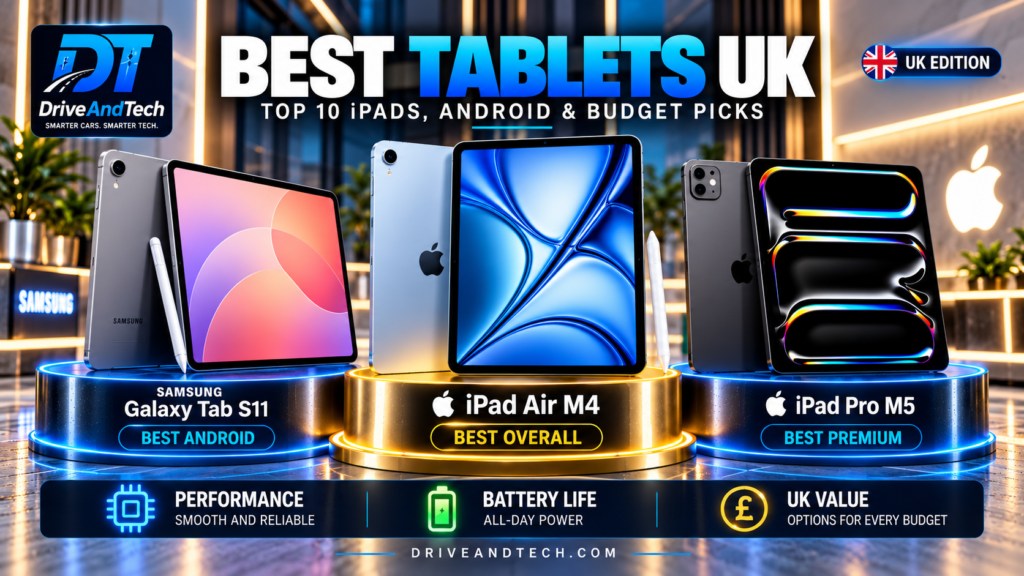
Choosing the best tablets in the UK involves much more than comparing screen sizes, processor speeds or price tags. A good tablet should deliver reliable performance, excellent display quality, dependable battery life and a comfortable everyday experience. More importantly, it should remain useful for years rather than feel outdated shortly after purchase.
Today’s tablet market offers an impressive selection of devices, from Apple’s powerful iPads and Samsung’s premium Galaxy Tab models to increasingly competitive Android alternatives from Honor, OnePlus and Xiaomi. Whether you need a tablet for university, office work, digital creativity, gaming, entertainment or family use, finding the right balance between performance, durability and affordability is essential.
At DriveAndTech, we believe the best tablet is not necessarily the most expensive or the most powerful. A premium model may offer exceptional hardware and advanced capabilities, yet a less expensive alternative could be the smarter purchase for someone who mainly browses the internet, watches films, takes notes or manages everyday tasks.
Our recommendations therefore combine product quality, performance, reliability, software longevity and UK pricing. Some technically superior tablets may appear lower in our overall rankings because their higher prices make them less compelling purchases for most buyers. This does not mean they are inferior devices.
In this comprehensive UK buying guide, we compare 10 leading tablets, examining their technical specifications, build quality, displays, performance, battery life, charging, SIM and 5G connectivity, accessories and long-term ownership considerations.
We also explain which tablets are best suited to students, professionals, creatives, families and buyers seeking outstanding value.
Our aim is simple: to help you choose a high-quality tablet that meets your needs, justifies its price and remains a worthwhile investment over time.
Affiliate Disclosure
DriveAndTech may earn a commission when you purchase a product through certain retailer links in this article, at no additional cost to you.
Our tablet recommendations are based on product specifications, independent reviews, performance, build quality, software longevity and value for money. Affiliate relationships do not determine our rankings or editorial assessments.
We aim to provide transparent, evidence-based buying advice to help UK readers make informed purchasing decisions.
Quick Answer – Best Tablets UK
The Apple iPad Air M4 is our best overall tablet for most UK buyers, combining strong performance, build quality, software capabilities and long-term usability. The Samsung Galaxy Tab S11 is our premium Android choice, while the Apple iPad Pro M5 excels in professional and creative applications.
The right choice ultimately depends on your needs, preferred operating system and budget.
Our Top Recommendations at a Glance
| Category | Recommended tablet |
|---|---|
| Best overall | Apple iPad Air M4 |
| Best premium Android for portability | Samsung Galaxy Tab S11 |
| Best premium performance | Apple iPad Pro M5 |
| Best Android display and productivity | Honor MagicPad 4 |
| Best Android performance-value balance | OnePlus Pad 3 |
| Best large-screen Samsung | Samsung Galaxy Tab S12+ |
| Best mid-range Android value | Xiaomi Pad 8 |
| Best affordable iPad | Apple iPad A16 |
| Best compact tablet | Apple iPad mini A17 Pro |
| Best affordable note-taking tablet | Samsung Galaxy Tab S10 Lite |
Understanding Our Rankings
Our Best Tablets UK rankings consider performance, build quality, durability, software longevity, usability and UK pricing.
A lower ranking does not necessarily indicate inferior performance or quality. Premium tablets may offer superior hardware but represent poorer value for everyday buyers.
Our detailed reviews distinguish product quality from value for money, recognising specialist strengths alongside overall buying suitability.
Recommendations reflect published specifications and independent assessments, not original hands-on testing. Final ratings depend on verified UK prices and supporting evidence.
Top 10 Tablets at a Glance
Our Best Tablets UK shortlist covers premium iPads, flagship Android tablets and more affordable alternatives. The rankings consider overall product quality, durability, performance, software longevity and value for money, rather than processing power alone.
Top 10 Tablet Comparison
| Rank | Tablet | UK starting price | Best for | Key advantage |
|---|---|---|---|---|
| 1 | Apple iPad Air M4 | £749 | Best overall | Balanced performance and long-term usability |
| 2 | Samsung Galaxy Tab S11 | £679 | Premium Android | Portable flagship experience |
| 3 | Apple iPad Pro M5 | £1,199 | Professional users | High-end performance and display |
| 4 | Honor MagicPad 4 | £599.99 | Display and productivity | Large-screen multitasking |
| 5 | OnePlus Pad 3 | £529 | Performance and value | Powerful Android alternative |
| 6 | Samsung Galaxy Tab S12+ | £1,199 | Large-screen premium Android | Spacious display and productivity features |
| 7 | Xiaomi Pad 8 | £399 | Mid-range value | Competitive features for the price |
| 8 | Apple iPad A16 | £429 | Affordable iPad | Accessible entry into iPadOS |
| 9 | Apple iPad mini A17 Pro | £599 | Compact portability | Powerful, travel-friendly design |
| 10 | Samsung Galaxy Tab S10 Lite | £329 | Affordable note-taking | Stylus-friendly everyday use |
Prices are indicative UK starting prices for standard configurations, generally Wi-Fi models, before optional accessories. The Galaxy Tab S11 figure reflects an observed promotional price; other figures generally reflect published starting or launch prices. Actual retailer prices may differ.
How to Use This Comparison
Choose according to your priorities, not simply the ranking. The iPad Pro M5 offers greater performance than the iPad Air M4, but its additional capabilities may not justify the cost for everyday users.
An affordable iPad or Android tablet may better suit students, families and casual entertainment than an expensive flagship.
Our individual reviews examine specifications, connectivity, charging, construction, software support and ownership considerations, with separate assessments for product quality and value for money.
Rankings remain provisional pending final verification of UK prices and availability.
Apple iPad Air M4 – Best Overall Tablet
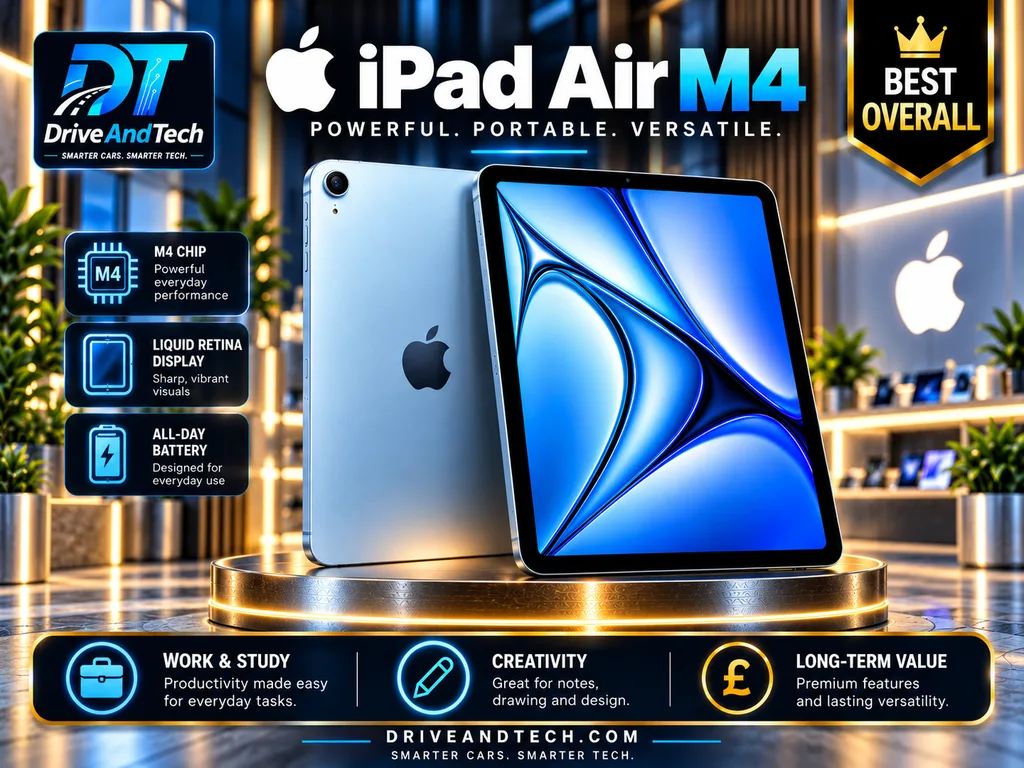
UK launch price: £599 (11-inch, 128GB Wi-Fi); £799 (13-inch). Current retailer prices vary.
The Apple iPad Air M4 combines powerful performance, versatile tablet software and two practical screen sizes. It is our best overall choice for buyers wanting premium capability without paying iPad Pro prices.
Key Technical Specifications
| Feature | Specification |
|---|---|
| Display | 11-inch / 13-inch laminated Liquid Retina IPS LCD, 60Hz |
| Resolution | 2360 × 1640 / 2732 × 2048 |
| Brightness | 500 / 600 nits |
| Processor | Apple M4, 8-core CPU, 9-core GPU |
| RAM | 12GB unified memory |
| Storage | 128GB–1TB; no microSD |
| Operating system | iPadOS 26 at launch |
| SIM and cellular | Optional 5G; eSIM only |
| Wireless | Wi-Fi 7, Bluetooth 6 |
| Battery | 28.93Wh / 36.59Wh |
| Battery life | 11h 59m, independent 11-inch Wi-Fi test |
| Charging | USB-C, approximately 20W |
| Cameras | 12MP rear; 12MP landscape front with Centre Stage |
| Audio | Landscape stereo speakers; dual microphones |
| Construction | Aluminium; 6.1mm thick |
| Weight | 464g / 616g, Wi-Fi models |
| Durability | No conventional waterproofing guarantee |
| Ports | USB-C 3, up to 10Gbps; external display support |
| Accessories | Apple Pencil Pro and Magic Keyboard, sold separately |
| Security | Touch ID; no Face ID |
| Software support | Ongoing iPadOS updates; no fixed end date announced |
Performance and Everyday Experience
The M4 comfortably supports demanding creative apps, multitasking, gaming and everyday productivity. Its laminated display offers sharp detail and responsive Pencil input, although the 60Hz refresh rate and LCD contrast trail premium OLED rivals.
Independent testing recorded nearly 12 hours of Wi-Fi browsing on the 11-inch model.
Build Quality and Ownership
The slim aluminium chassis feels premium, but repairability and accidental-damage costs deserve consideration. Apple Pencil Pro and Magic Keyboard significantly increase the total purchase price.
Existing M3 iPad Air owners have little reason to upgrade.
Advantages: Powerful processor, excellent apps, two screen sizes, Pencil support and strong connectivity.
Limitations: 60Hz LCD, costly accessories, no Face ID or expandable storage.
Best for: Students, professionals, families and creative users.
Product Quality: 9.2/10 .
Value for Money: 8.4/10.
Where to Buy the Apple iPad Air M4 in the UK
Compare current prices and available configurations from these retailers:
- 🍎 Apple UK – Official Store — Official models and accessories.
- 🛒 Amazon UK — Compare listings and sellers.
- 🛍️ Tesco Mobile — Check availability and offers.
- 🏬 Currys — Compare configurations and promotions.
- 📦 Argos — Check pricing and collection options.
Buying tip: Verify the exact model, storage and connectivity before ordering. Prices and availability may change.
Buying Verdict: The iPad Air M4 offers the strongest all-round balance in our shortlist. Choose the 11-inch for portability or 13-inch for workspace; consider a high-refresh Android alternative if display technology matters more.
Samsung Galaxy Tab S11 – Best Premium Android for Portability
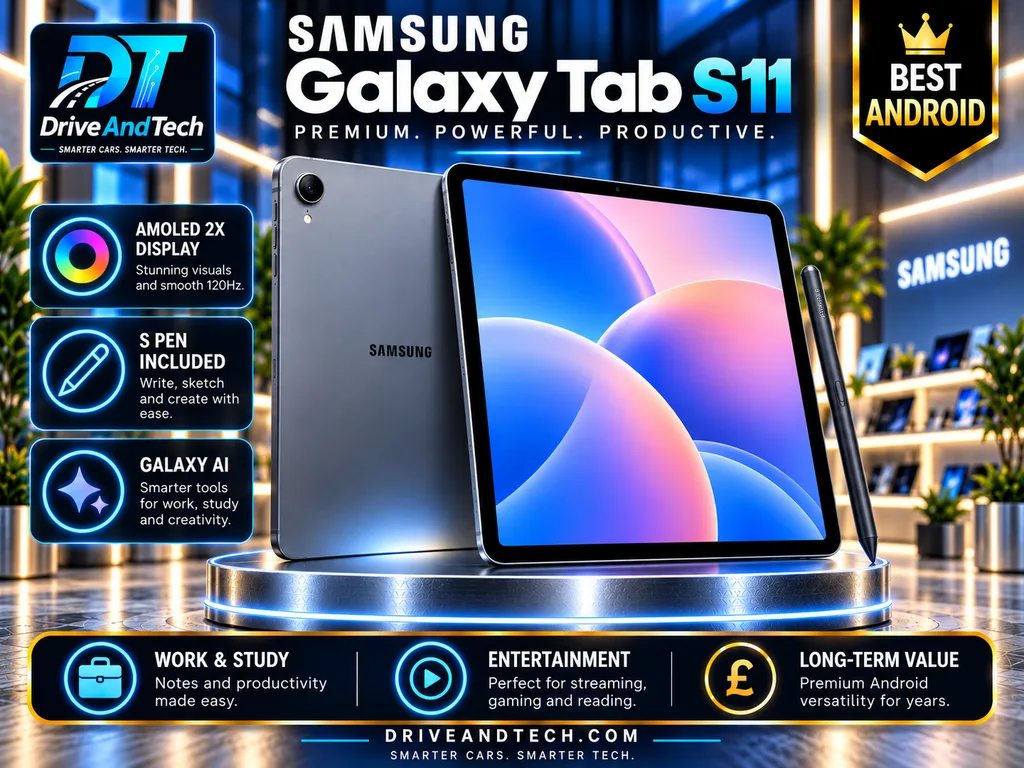
UK price: £799 standard retail price; discounts may apply.
The Samsung Galaxy Tab S11 combines flagship Android performance, a premium AMOLED display and included S Pen support in a lightweight, travel-friendly design.
Key Technical Specifications
| Feature | Specification |
|---|---|
| Display | 11-inch Dynamic AMOLED 2X, 120Hz |
| Resolution | 2560 × 1600; up to 1,600 nits peak |
| Processor | MediaTek Dimensity 9400+ |
| RAM | 12GB |
| Storage | 128GB–512GB; microSD up to 2TB |
| Operating system | Android 16, One UI 8 at launch |
| SIM and cellular | Wi-Fi or optional 5G; physical SIM/eSIM |
| Wireless | Wi-Fi 6E, Bluetooth 5.4 |
| Battery | 8,400mAh |
| Battery life | Up to 18 hours video playback, Samsung estimate |
| Charging | 45W USB-C; charger sold separately |
| Cameras | 13MP rear; 12MP ultrawide front |
| Audio | Quad speakers; USB-C audio |
| Construction | Aluminium, IP68 water/dust resistance |
| Dimensions and weight | 5.5mm thick; 469g Wi-Fi |
| Ports | USB-C 3.2 Gen 1 |
| Accessories | S Pen included; keyboard optional |
| Security | In-display fingerprint reader |
| Software support | Samsung’s long-term update programme |
Performance and Everyday Experience
The Dimensity 9400+ handles demanding apps, multitasking and gaming, while the 120Hz AMOLED screen delivers smooth motion and deep contrast. Samsung DeX supports a desktop-style workspace, and the included S Pen is particularly useful for handwritten notes.
Build Quality and Ownership
Its slim aluminium construction and IP68 rating are reassuring, although water resistance does not guarantee protection against accidental damage. Expandable storage adds flexibility for long-term ownership.
Advantages: Excellent AMOLED display, included S Pen, strong performance, microSD expansion and IP68 protection.
Limitations: Premium pricing, optional keyboard costs extra and no charger included.
Best for: Android users prioritising portability, note-taking and productivity.
Product Quality: 9.2/10
Value for Money: 8.4/10
Where to Buy the Samsung Galaxy Tab S11 in the UK
Compare current prices, storage options and availability from these UK retailers:
- 📱 Samsung UK – Official Store — Official models, accessories and trade-in offers.
- 🛒 Amazon UK — Compare configurations and sellers.
- 🛍️ Tesco Mobile — Marketplace listing; check the third-party seller and delivery terms.
- 🏬 Currys — View the 128GB model and available promotions.
- 📦 Argos — Check the 128GB model, delivery and collection options.
Buying tip: Confirm whether you’re choosing Wi-Fi or 5G, check storage capacity and remember that the S Pen is included but the charging adaptor is not.
Buying Verdict: An excellent compact Android flagship, particularly attractive when discounted below its standard retail price.
Apple iPad Pro M5 – Best Premium Performance
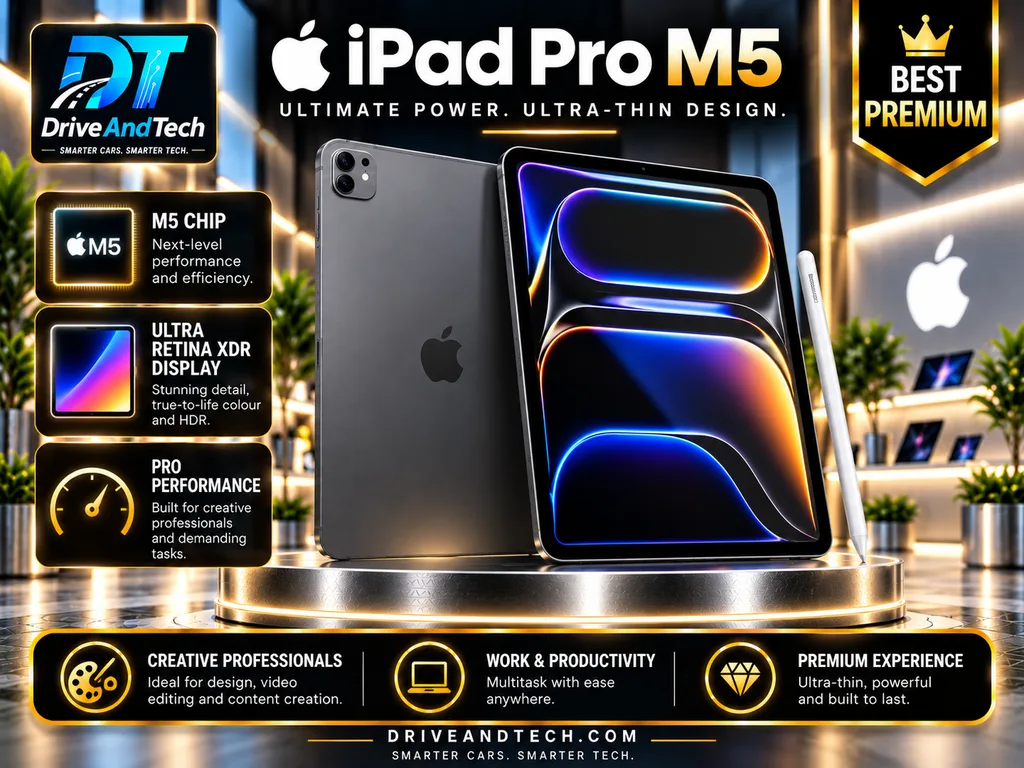
UK starting price: £1,199 (11-inch Wi-Fi, 256GB).
The Apple iPad Pro M5 delivers exceptional processing power, a premium OLED display and advanced productivity features. It targets professionals who need more than conventional tablet performance.
Key Technical Specifications
| Feature | Specification |
|---|---|
| Display | 11-inch or 13-inch tandem OLED, 10–120Hz |
| Resolution | 2420 × 1668 / 2752 × 2064 |
| Brightness | 1,000 nits full-screen; 1,600 HDR peak |
| Processor | Apple M5; 9-core or 10-core CPU |
| RAM | 12GB or 16GB |
| Storage | 256GB–2TB; no microSD |
| Operating system | iPadOS 26 at launch |
| SIM and cellular | Optional 5G; eSIM only |
| Wireless | Wi-Fi 7, Bluetooth 6 |
| Battery | 31.29Wh / 38.99Wh |
| Battery life | Up to 10 hours, Apple estimate |
| Charging | USB-C; 50% in approximately 30 minutes with compatible adapter |
| Cameras | 12MP rear; 12MP landscape front; LiDAR |
| Audio | Four speakers; four microphones |
| Construction | Aluminium; 5.3mm / 5.1mm thick |
| Weight | From 444g / 579g |
| Ports | Thunderbolt / USB 4; external display support |
| Accessories | Apple Pencil Pro; Magic Keyboard optional |
| Security | Face ID |
| Software support | Ongoing iPadOS updates; no fixed end date announced |
Performance and Everyday Experience
The M5 processor handles demanding creative applications, video editing, illustration and complex multitasking. Its tandem OLED display offers exceptional contrast, accurate colour and smoother scrolling than the iPad Air’s 60Hz LCD.
However, iPadOS may still limit workflows requiring specialised desktop software.
Build Quality and Ownership
The exceptionally thin aluminium chassis feels premium, although protective accessories are advisable. Storage upgrades, repairs and optional accessories significantly increase ownership costs.
Advantages: Outstanding display, powerful processor, fast connectivity and excellent creative capabilities.
Limitations: Expensive, no expandable storage and desktop software limitations.
Best for: Designers, video editors, digital artists and demanding professionals.
Product Quality: 9.8/10
Value for Money: 7.5/10
Where to Buy the Apple iPad Pro M5 in the UK
Compare current prices, screen sizes and storage configurations from these UK retailers:
- 🍎 Apple UK – Official Store — Official models, accessories and configuration options.
- 🛒 Amazon UK — Compare listings, configurations and sellers.
- 🛍️ Tesco Mobile — Check tablet availability and current offers.
- 🏬 Currys — Compare available models and promotions.
- 📦 Argos — View the 11-inch, 256GB Wi-Fi model.
Buying tip: Confirm that you’re purchasing the M5 generation, not the older M4. Check whether the 11-inch or 13-inch display suits your needs, and budget separately for Apple Pencil Pro and Magic Keyboard.
Buying Verdict: Choose the iPad Pro M5 when its OLED display and professional capabilities justify the premium. Otherwise, the iPad Air M4 offers better everyday value.
Honor MagicPad 4 – Best Android Display and Productivity Alternative
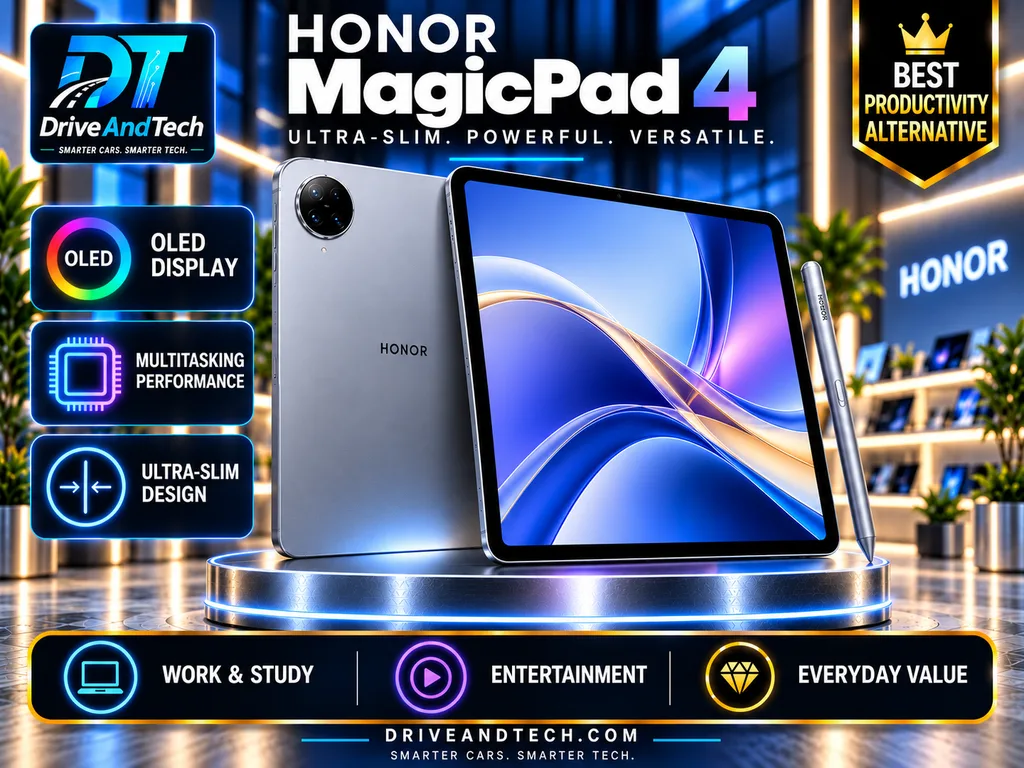
UK starting price: £599.99 (12GB RAM, 256GB Wi-Fi).
The Honor MagicPad 4 combines a striking OLED display, powerful processor and exceptionally slim construction at a considerably lower price than many premium competitors.
Key Technical Specifications
| Feature | Specification |
|---|---|
| Display | 12.3-inch OLED, up to 165Hz |
| Resolution | 3000 × 1920; 2,400 nits peak |
| Processor | Snapdragon 8 Gen 5 |
| RAM | 12GB; 16GB option |
| Storage | 256GB; no microSD |
| Operating system | Android 16, MagicOS 10 |
| SIM and cellular | Wi-Fi only; no 4G/5G |
| Wireless | Wi-Fi 7, Bluetooth |
| Battery | 10,100mAh |
| Battery life | 14h 32m in independent video testing |
| Charging | Up to 66W USB-C; adapter not included |
| Cameras | 13MP rear; 8MP front |
| Audio | Eight speakers |
| Construction | Aluminium; 4.8mm thick, approximately 450g |
| Durability | No formal water-resistance rating |
| Ports | USB-C 3.2; external display output |
| Accessories | Optional stylus and keyboard |
| Security | Face recognition; no fingerprint reader |
| Software support | Six-year European update commitment |
Performance and Everyday Experience
The Snapdragon processor handles multitasking, demanding applications and gaming confidently. Its sharp, high-refresh OLED screen is especially appealing for films, illustration and document work.
Desktop-style multitasking and optional keyboard support improve productivity, although Android applications cannot always replace specialist desktop software.
Build Quality and Ownership
The lightweight metal chassis feels premium, but its exceptionally thin construction warrants a protective case. Independent testing highlights excellent display quality while identifying weaker cameras and limited repairability.
Advantages: Outstanding OLED display, strong performance, slim construction and fast charging.
Limitations: No cellular option, fingerprint reader, microSD expansion or formal waterproof rating.
Best for: Students, creatives and professionals wanting premium Android features without flagship pricing.
Product Quality: 9.1/10
Value for Money: 9.0/10
Where to Buy Honor MagicPad 4 in the UK
Compare current prices, storage configurations and promotional bundles from these UK retailers:
🍎 HONOR UK – Official Store — Explore official models, exclusive discounts and keyboard or stylus bundles.
🛒 Amazon UK — Compare prices, available configurations and third-party sellers.
🛍️ Tesco Mobile — Check the 12.3-inch, 256GB Wi-Fi model and Marketplace offers.
🏬 Currys — Compare the 256GB and 512GB models, availability and promotions.
📦 Argos — View the 12.3-inch, 256GB Wi-Fi model.
Buying tip: Confirm that you’re purchasing the HONOR MagicPad 4 rather than the older MagicPad 2 or MagicPad 3. Compare the 12GB RAM/256GB and 16GB RAM/512GB configurations, and check whether the HONOR Magic-Pencil 3, Smart Keyboard and charging adaptor are included. Official HONOR bundles may offer better overall value than purchasing these accessories separately.
Buying Verdict: An excellent large-screen Android alternative, particularly attractive for productivity and entertainment when competitively priced.
OnePlus Pad 3 – Best Android Performance-Value Balance
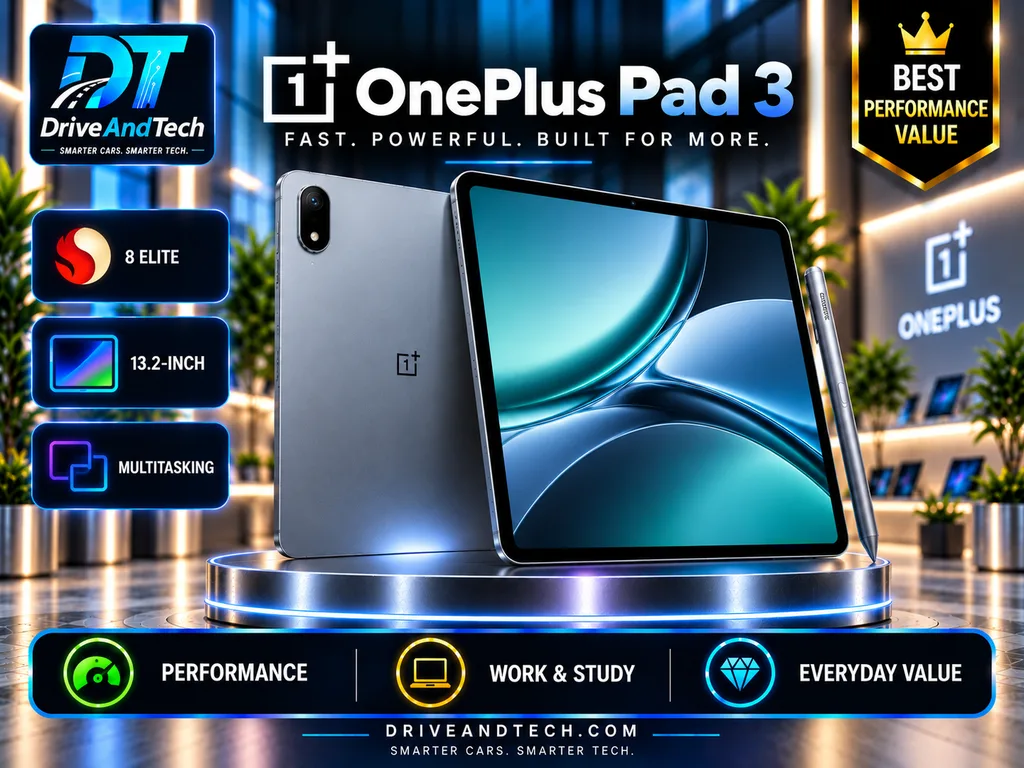
UK launch price: £529 (12GB RAM, 256GB Wi-Fi).
The OnePlus Pad 3 delivers flagship-level performance, a spacious display and excellent battery endurance at a competitive price, making it a compelling alternative to premium Samsung and Apple tablets.
Key Technical Specifications
| Feature | Specification |
|---|---|
| Display | 13.2-inch LTPS LCD, up to 144Hz |
| Resolution | 3392 × 2400; 900 nits maximum |
| Processor | Snapdragon 8 Elite |
| RAM | 12GB or 16GB |
| Storage | 256GB or 512GB; no microSD |
| Operating system | Android 15, OxygenOS 15 at launch |
| SIM and cellular | Wi-Fi only; no 4G/5G |
| Wireless | Wi-Fi 7, Bluetooth 5.4 |
| Battery | 12,140mAh |
| Battery life | 13h 21m, independent PCMark test |
| Charging | Up to 80W USB-C; charger not included |
| Cameras | 13MP rear; 8MP front |
| Audio | Eight speakers; two microphones |
| Construction | Aluminium unibody; 5.97mm |
| Weight | 675g |
| Durability | IP41; limited water protection |
| Ports | USB-C 3.2 Gen 1 |
| Accessories | Optional Stylo 2 and Smart Keyboard |
| Security | Face unlock; no fingerprint reader |
| Software support | Three Android upgrades; six years of security updates |
Performance and Everyday Experience
The Snapdragon 8 Elite handles demanding games, multitasking and productivity applications confidently. Its large, sharp display supports smooth scrolling, although LCD contrast cannot match premium OLED panels.
OnePlus Open Canvas improves multitasking, while independent testing confirms impressive battery endurance.
Build Quality and Ownership
The aluminium body feels substantial, but its 675g weight reduces handheld comfort. Limited water resistance and a shorter major Android upgrade commitment than some rivals are important long-term considerations.
Advantages: Flagship performance, excellent battery life, large display and competitive pricing.
Limitations: Heavy, LCD rather than OLED, no cellular connectivity and separately priced accessories.
Best for: Gamers, students and productivity-focused buyers seeking powerful Android hardware.
Product Quality: 9.3/10
Value for Money: 9.1/10
Where to Buy OnePlus Pad 3 in the UK
Compare current prices, storage configurations and promotional bundles from these UK retailers:
🔴 OnePlus UK – Official Store — Check official models, accessory bundles and availability.
🛒 Amazon UK — Compare the 256GB and 512GB configurations, prices and sellers.
🛍️ Tesco Mobile — Check tablet availability and current Marketplace offers.
🏬 Currys — Search for available models, pricing and promotions.
📦 Argos — Check whether the 13.2-inch Wi-Fi model is currently listed.
Buying tip: Confirm that you’re purchasing the OnePlus Pad 3 rather than the older Pad 2 or the China-market Pad 3 Pro. Compare the 12GB RAM/256GB and 16GB RAM/512GB configurations, and budget separately for the OnePlus Stylo 2 and Smart Keyboard. Check UK warranty coverage and seller reliability before purchasing.
Buying Verdict: An excellent performance-focused purchase, particularly for buyers prioritising processing power and screen space over portability.
Samsung Galaxy Tab S12+ – Best Premium Large-Screen Samsung Tablet
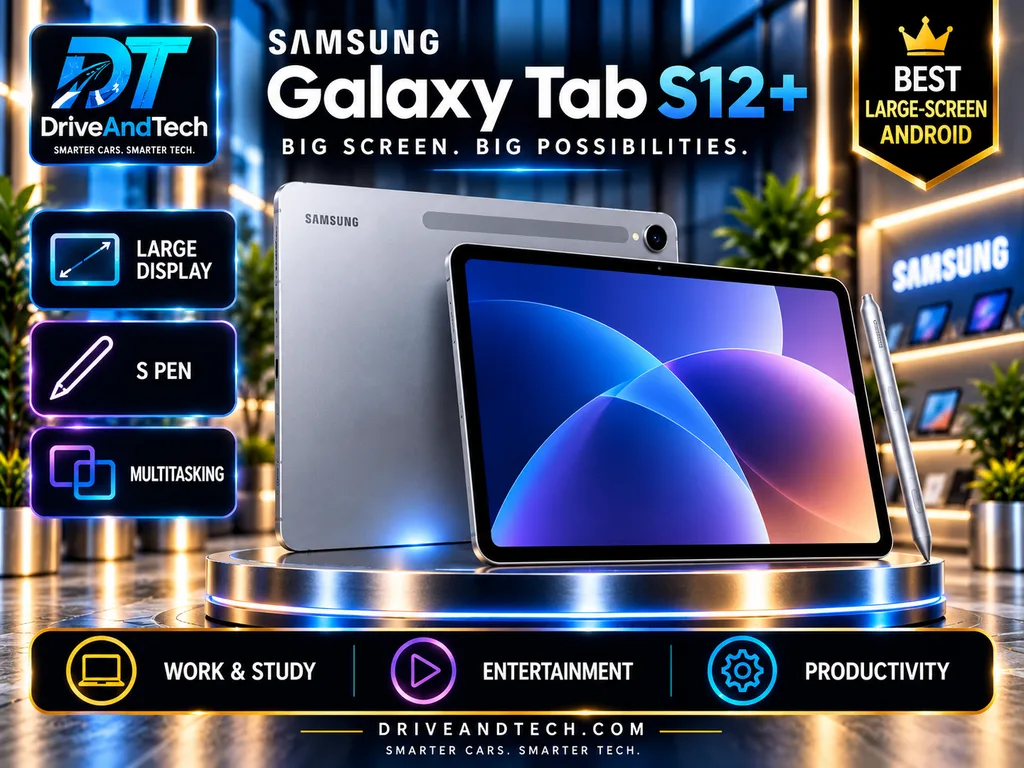
UK starting price: £1,199 (12GB RAM, 256GB Wi-Fi); 5G and 512GB cost extra.
The Samsung Galaxy Tab S12+ delivers a superb AMOLED display, flagship Android performance and serious multitasking tools. However, its premium price demands careful comparison.
Key Technical Specifications
| Feature | Specification |
|---|---|
| Display | 12.6-inch Dynamic AMOLED 2X, 120Hz |
| Resolution | 2800 × 1752 |
| Brightness | 1,600 nits peak; 1,000 nits high-brightness mode |
| Processor | MediaTek Dimensity 9500 |
| RAM | 12GB |
| Storage | 256GB / 512GB; microSD up to 2TB |
| Operating system | Android 17, One UI 9 |
| SIM and cellular | Wi-Fi or optional 5G; physical SIM and eSIM |
| Wireless | Wi-Fi 6E, Bluetooth 6.0 |
| Battery | 10,600mAh |
| Battery life | Up to 21 hours video playback, Samsung claim |
| Charging | 45W USB-C; charger excluded |
| Cameras | 13MP rear; 12MP ultrawide front |
| Audio | Four speakers with spatial audio |
| Construction | Metal body; 5.3mm thick |
| Weight | 553g Wi-Fi; 555g 5G |
| Durability | IP68 dust and water resistance |
| Ports | USB-C; microSD slot |
| Accessories | S Pen included; keyboards optional |
| Security | In-display fingerprint reader |
| Software support | Up to seven OS upgrades and security updates |
Performance and Everyday Experience
The Dimensity 9500 handles demanding apps, creative work and multitasking confidently. Samsung DeX adds desktop-style windows, while the included S Pen makes handwritten notes and illustration more practical.
The bright 120Hz AMOLED screen excels for films and visual work. However, cheaper competitors offer similarly fluid displays.
Build Quality and Ownership
Its exceptionally thin chassis feels premium, with IP68 protection adding reassurance. Nevertheless, water resistance does not prevent accidental screen damage.
The optional Pro Keyboard costs approximately £289, increasing the already substantial investment.
Advantages: Excellent AMOLED display, flagship performance, included S Pen, IP68 protection and long software support.
Limitations: £1,199 starting price, no Wi-Fi 7, expensive keyboard and relatively modest 45W charging.
Best for: Samsung enthusiasts, digital artists and professionals needing a large Android workspace.
Product Quality: 9.5/10, provisional.
Value for Money: 7.7/10, provisional.
Where to Buy Samsung Galaxy Tab S12+in the UK
Compare current prices, storage configurations and promotional offers from these UK retailers:
📱 Samsung UK – Official Store — Explore official models, Wi-Fi and 5G configurations, trade-in discounts and accessories.
🛒 Amazon UK — Compare prices, 256GB and 512GB configurations and available sellers.
🛍️ Tesco Mobile — Check tablet availability and current Marketplace offers.
🏬 Currys — View the 12.6-inch, 256GB Wi-Fi model, pricing and promotions.
📦 Argos — Compare the 12.6-inch, 256GB Wi-Fi model, delivery options and collection availability.
Buying tip: Confirm that you’re purchasing the Galaxy Tab S12+ rather than the older Tab S10+. Compare the 256GB and 512GB storage options, and choose between Wi-Fi and 5G connectivity based on your needs. The S Pen is included, but the keyboard cover and charging adaptor may need to be purchased separately.
Buying Verdict: An outstanding premium Android tablet, particularly for S Pen and DeX users. The Galaxy Tab S11 offers a cheaper, more portable Samsung alternative; the S12+ is worth the premium chiefly when its larger screen matters.
Xiaomi Pad 8 – Best Mid-Range Android Value
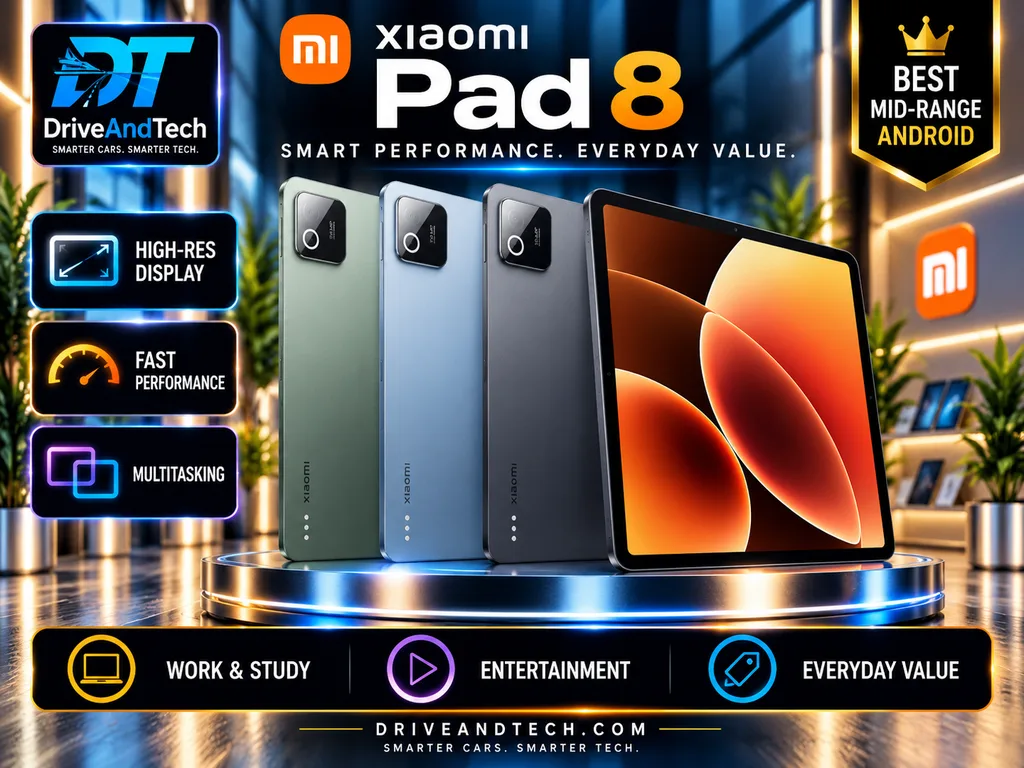
UK price: £399 reference price (8GB/256GB Wi-Fi); retailer discounts may apply.
The Xiaomi Pad 8 combines powerful processing, a sharp 144Hz display and impressive battery endurance at a competitive mid-range price.
Key Technical Specifications
| Feature | Specification |
|---|---|
| Display | 11.2-inch IPS LCD, up to 144Hz |
| Resolution | 3200 × 2136 |
| Brightness | Up to 800 nits, manufacturer claim |
| Processor | Snapdragon 8s Gen 4 |
| RAM | 8GB; other configurations vary |
| Storage | 128GB/256GB; no microSD |
| Operating system | Android 16, HyperOS 3 |
| SIM and cellular | Wi-Fi only; no SIM/eSIM |
| Wireless | Wi-Fi 7 capable*, Bluetooth 6.0 |
| Battery | 9,200mAh |
| Battery life | 16h 49m, independent video test |
| Charging | 45W USB-C; adapter sold separately |
| Cameras | 13MP rear; 8MP front |
| Audio | Quad speakers, Dolby Atmos |
| Construction | Aluminium unibody; 5.75mm |
| Weight | Approximately 485g |
| Durability | No published IP rating |
| Ports | USB-C 3.2 Gen 1 |
| Accessories | Focus Pen Pro and keyboard optional |
| Security | Face unlock; no fingerprint reader |
| Software support | Four OS upgrades; six years of security updates |
Wi-Fi 7 functionality depends on regional availability and compatible network equipment.
Performance and Everyday Experience
The Snapdragon 8s Gen 4 delivers excellent performance for multitasking, gaming and productivity. Expert Reviews measured 16 hours 49 minutes of video playback, supporting its strong battery credentials.
The high-resolution display provides smooth scrolling and accurate colour, although LCD contrast trails OLED alternatives. HyperOS remains a potential drawback for users preferring simpler software.
Build Quality and Ownership
Its slim aluminium construction offers portability and a premium finish, but does not establish superior repairability or resistance to accidental damage. Long security support is encouraging; accessories and replacement charging equipment add costs.
Advantages: Strong performance, sharp 144Hz display, excellent battery life and competitive pricing.
Limitations: LCD panel, no cellular connectivity, no expandable storage and software clutter.
Best for: Students, families and value-conscious Android buyers.
Product Quality: 8.8/10.
Value for Money: 9.3/10.
Where to Buy Xiaomi Pad 8 – in the UK
Compare current prices, storage configurations and promotional bundles from these UK retailers:
📱 Xiaomi UK – Official Store — Explore official models, storage options, exclusive discounts and accessory bundles.
🛒 Amazon UK — Compare the 128GB and 256GB configurations, prices and available sellers.
🛍️ Tesco Mobile — Check tablet availability and current Marketplace offers.
🏬 Currys — Search for available models, pricing and promotional offers.
📦 Argos — Check whether the 11.2-inch Wi-Fi model is listed, including delivery and collection options.
Buying tip: Confirm that you’re purchasing the Xiaomi Pad 8 rather than the older Pad 7 or more expensive Pad 8 Pro. Compare the 8GB RAM/128GB and 8GB RAM/256GB configurations, and consider the 256GB version for additional storage. Budget separately for the Xiaomi Focus Pen Pro, keyboard and 45W charging adaptor, as these may not be included in the standard package.
Buying Verdict: A compelling mid-range tablet for buyers prioritising performance, battery life and display sharpness over premium OLED technology.
Apple iPad A16 – Best Affordable iPad
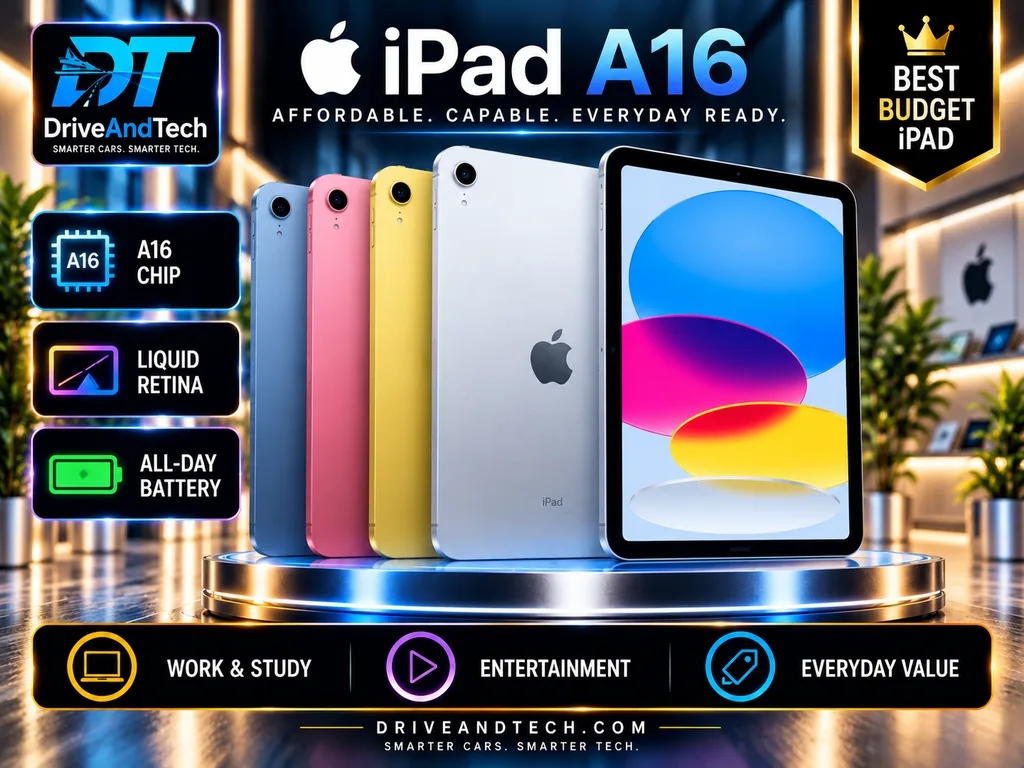
UK starting price: £429 (128GB Wi-Fi); retailer discounts available.
The Apple iPad A16 delivers dependable everyday performance, excellent tablet apps and solid construction. However, similarly priced Android alternatives offer stronger hardware in some areas.
Key Technical Specifications
| Feature | Specification |
|---|---|
| Display | 11-inch Liquid Retina IPS LCD, 60Hz |
| Resolution | 2360 × 1640; 500 nits |
| Processor | Apple A16, 5-core CPU |
| RAM | 6GB, independently reported |
| Storage | 128GB–512GB; no microSD |
| Operating system | iPadOS 26; launched with iPadOS 18 |
| SIM and cellular | Optional 5G; eSIM only |
| Wireless | Wi-Fi 6, Bluetooth 5.3 |
| Battery | 28.93Wh |
| Battery life | 11h 54m, independent video test |
| Charging | Approximately 20W USB-C; adapter excluded |
| Cameras | 12MP rear; 12MP landscape front |
| Audio | Landscape stereo speakers; dual microphones |
| Construction | Aluminium; 7mm thick |
| Weight | 477g Wi-Fi; 481g cellular |
| Durability | No published IP rating |
| Ports | USB-C 2.0; external display output |
| Accessories | Apple Pencil USB-C; Magic Keyboard Folio optional |
| Security | Touch ID |
| Software support | iPadOS updates; no fixed end date announced |
Performance and Everyday Experience
The A16 handles browsing, streaming, schoolwork and video calls comfortably. Independent testing recorded nearly 12 hours of video playback.
Its display is sharp but lacks lamination and high-refresh technology. Android alternatives such as the Xiaomi Pad 8 offer smoother screens and faster charging at comparable prices.
Build Quality and Ownership
The aluminium chassis feels sturdy, but physical durability, repair costs and software longevity remain separate considerations. Apple has not announced a fixed update-support end date.
Accessories increase ownership costs, and Apple Intelligence is unsupported.
Advantages: Reliable performance, excellent tablet apps, useful storage and straightforward operation.
Limitations: Basic 60Hz display, slow charging, expensive accessories and no expandable storage.
Best for: Students, families and first-time iPad buyers.
Product Quality: 8.5/10.
Value for Money: 9.0/10
Where to Buy Apple iPad (A16) in the UK
Compare current prices, storage configurations and promotional offers from these UK retailers:
🍎 Apple UK – Official Store — Explore official models, colour options, Wi-Fi and cellular configurations, and accessories.
🛒 Amazon UK — Compare the 128GB, 256GB and 512GB models, prices and available sellers.
🛍️ Tesco Mobile — Check tablet availability and current Marketplace offers.
🏬 Currys — Compare available storage options, colours, pricing and promotions.
📦 Argos — View the 11-inch, 128GB Wi-Fi model and check delivery or collection availability.
Buying tip: Confirm that you’re purchasing the 2025 Apple iPad with the A16 chip rather than the older 10th-generation A14 model. The 128GB version is suitable for everyday browsing, streaming and schoolwork, while 256GB offers more room for apps and downloads. Budget separately for the compatible Apple Pencil (USB-C or 1st generation) and Magic Keyboard Folio.
Buying Verdict: Choose the iPad A16 for its accessible software and everyday reliability. Consider a similarly priced Android tablet if display quality, charging speed or hardware flexibility matters more.
Samsung Galaxy Tab S10 Lite – Best Affordable Note-Taking Tablet

UK starting price: £329 (6GB RAM, 128GB Wi-Fi).
The Samsung Galaxy Tab S10 Lite combines an included S Pen, expandable storage and extended software support, making it particularly attractive for students and everyday note-taking.
Key Technical Specifications
| Feature | Specification |
|---|---|
| Display | 10.9-inch TFT LCD, 90Hz |
| Resolution | 2112 × 1320 |
| Brightness | Up to 600 nits peak, Samsung claim |
| Processor | Samsung Exynos 1380 |
| RAM | 6GB / 8GB |
| Storage | 128GB / 256GB; microSD up to 2TB |
| Operating system | Android 15, One UI 7 at launch |
| SIM and cellular | Wi-Fi or optional 5G; SIM/eSIM on cellular model |
| Wireless | Wi-Fi 6, Bluetooth 5.3 |
| Battery | 8,000mAh |
| Battery life | 15h 19m, independent Wi-Fi test |
| Charging | Up to 25W USB-C; adapter excluded |
| Cameras | 8MP rear; 5MP front |
| Audio | Stereo speakers, Dolby Atmos |
| Construction | Metal unibody; 6.6mm thick |
| Weight | Approximately 524g |
| Durability | IP42; limited splash protection |
| Ports | USB-C 2.0 |
| Accessories | S Pen included; keyboard optional |
| Security | Face recognition; no fingerprint reader |
| Software support | Security updates until August 2032 |
Performance and Everyday Experience
The Exynos 1380 handles browsing, streaming, schoolwork and handwritten notes adequately, but independent testing identified occasional stuttering and limited gaming performance.
The 90Hz screen provides smoother scrolling than basic 60Hz tablets, although its LCD panel lacks premium OLED contrast.
Samsung Notes and the included S Pen are the strongest reasons to buy.
Build Quality and Ownership
Its metal chassis offers reassuring construction, while microSD expansion and long security support favour extended ownership. However, software longevity does not eliminate processor limitations or repair costs.
Advantages: Included S Pen, expandable storage, long software support and optional 5G.
Limitations: Modest processor, basic LCD, slow USB port and no fingerprint reader.
Best for: Students, note-takers and budget-conscious Samsung users.
Product Quality: 8.2/10
Value for Money: 9.1/10
Buying Verdict: Choose the Galaxy Tab S10 Lite primarily for affordable handwriting and Samsung’s software ecosystem. For gaming or demanding productivity, consider a more powerful alternative.
Where to Buy Samsung Galaxy Tab S10 Lite in the UK
Compare current prices, storage configurations and promotional offers from these UK retailers:
📱 Samsung UK – Official Store — Explore official models, Wi-Fi and 5G options, trade-in discounts and accessories.
🛒 Amazon UK — Compare the 128GB and 256GB configurations, prices and available sellers.
🛍️ Tesco Mobile — Check tablet availability and current Marketplace offers.
🏬 Currys — View the 10.9-inch, 128GB Wi-Fi model, pricing and promotions.
📦 Argos — Compare available 128GB and 256GB models, delivery options and collection availability.
Buying tip: Confirm that you’re purchasing the Galaxy Tab S10 Lite rather than the more expensive Galaxy Tab S10 FE. The 128GB model with 6GB RAM is suitable for browsing, streaming and everyday study, while the 256GB model with 8GB RAM provides additional storage and multitasking capacity. The S Pen is included, but the keyboard cover and charging adaptor may need to be purchased separately.
Buying Verdict: Choose the Galaxy Tab S10 Lite primarily for affordable handwriting and Samsung’s software ecosystem. For gaming or demanding productivity, consider a more powerful alternative.
Tablet Buying Guide: How to Choose the Right Tablet in the UK
Choosing among the Best Tablets UK buyers can purchase involves more than comparing processors and screen sizes. The right tablet should suit your daily activities, budget and expected years of ownership.
Choose Your Operating System
Apple iPadOS offers a strong selection of tablet-optimised apps, particularly for drawing, creative work and productivity. It also integrates conveniently with iPhones and Macs.
Android provides greater choice across brands, prices and hardware configurations. Samsung offers advanced multitasking through DeX, while other manufacturers compete on display technology, charging and performance.
Choose according to the applications you actually need, not brand reputation alone.
Select the Right Screen Size
| Screen size | Best suited to |
|---|---|
| 8–9 inches | Reading, commuting and handheld use |
| 10–11 inches | Everyday browsing, study and entertainment |
| 12–13 inches | Multitasking, drawing and keyboard productivity |
| Above 13 inches | Desk-based creative work and large-screen entertainment |
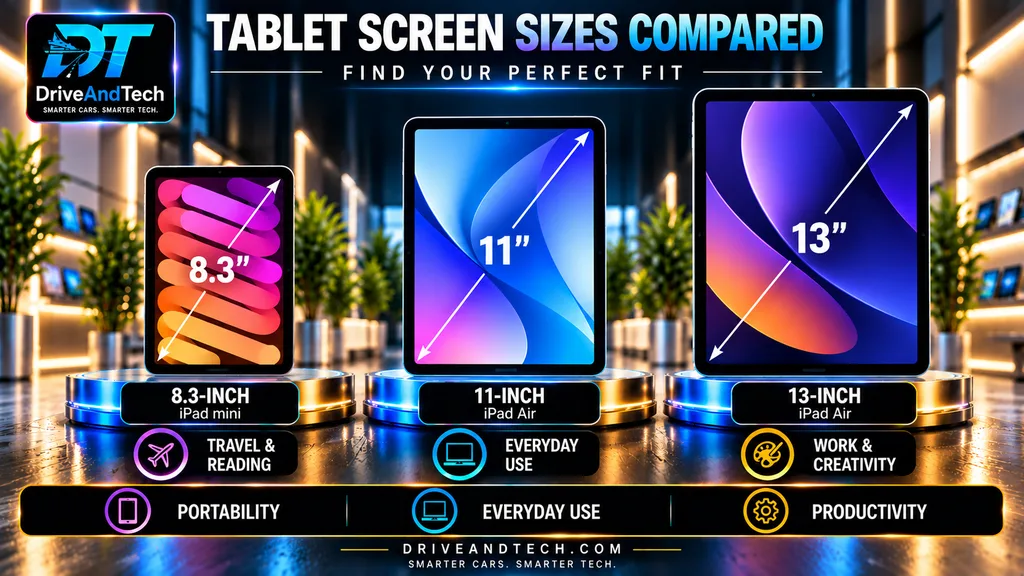
Larger screens improve workspace but generally increase weight and reduce portability.
Understand Display Quality
OLED typically provides deeper blacks and stronger contrast than LCD, particularly for films. However, a good LCD can still offer excellent sharpness and colour.
A 90Hz, 120Hz or 144Hz refresh rate generally produces smoother scrolling than 60Hz. Also consider brightness, reflections and whether the display is laminated for comfortable stylus use.
Choose Sufficient Storage and Memory
For most buyers, 128GB is a practical starting point, while 256GB offers greater flexibility for games, downloaded films and creative projects.
Check whether microSD expansion is supported. External storage does not necessarily replace internal storage for installing applications.
RAM and processor capability matter most when running demanding software or multiple applications simultaneously.
Check Battery Life and Charging
Look for independent battery tests rather than relying solely on advertised endurance. Video playback, gaming and web browsing produce different results.
Check charging speed and whether a compatible power adaptor is included. Higher advertised wattage does not guarantee proportionally shorter charging times.
Wi-Fi or Cellular?
Wi-Fi models generally cost less and suit home, university and office use.
Cellular models are useful for frequent travel but add hardware and potentially data-plan costs. Check 4G/5G support, eSIM compatibility and UK network requirements before purchasing.
Consider Accessories and Long-Term Ownership
A keyboard, stylus, case and charger can substantially increase the final price. Some Samsung tablets include an S Pen, while Apple Pencil accessories are generally separate purchases.
Before buying, verify:
- The manufacturer’s remaining security-update commitment.
- Warranty terms and available repair services.
- Accessory compatibility and replacement costs.
- Whether a refurbished or discounted previous-generation model offers better value.
Our recommendation: Prioritise display quality, reliable performance, sufficient storage and software longevity. Spend extra on premium hardware only when your intended use genuinely benefits from it.
Everyday Tablet Experience: What Matters in Daily Use?
The Best Tablets UK buyers should consider are those that perform consistently across everyday activities, not simply those with the fastest processors or highest-resolution displays.
Streaming and Entertainment
For Netflix, YouTube and other streaming services, display quality and speakers often matter more than processing power.
OLED screens deliver excellent contrast and deep blacks, while good LCD panels remain perfectly suitable for everyday viewing. Stereo or quad-speaker systems can improve sound, although speaker quality varies between models.
A comfortable viewing angle, reliable Wi-Fi connection and sufficient battery life also make a noticeable difference.
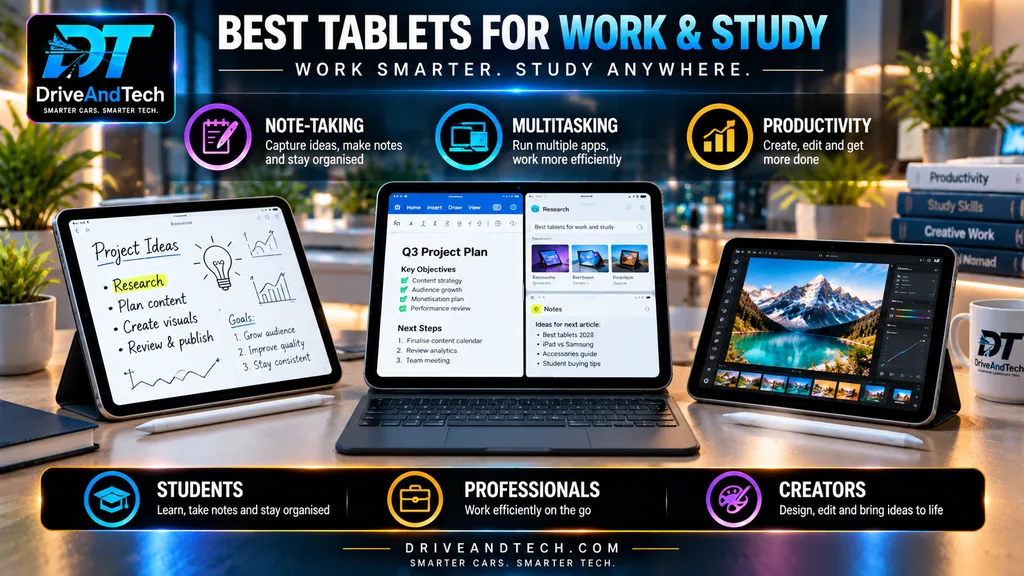
Studying and Note-Taking
Students benefit from responsive stylus input, reliable note-taking applications and convenient document management.
The Samsung Galaxy Tab S10 Lite includes an S Pen, making handwritten notes accessible without purchasing a separate stylus. Apple’s compatible iPads support useful handwriting and annotation tools, although Pencil accessories generally cost extra.
For extended coursework, keyboard compatibility and effective split-screen multitasking may be more important than raw processing power.
Gaming and Creative Work
Casual games run comfortably on many affordable tablets. More demanding games, video editing and illustration benefit from stronger processors, adequate RAM and efficient cooling.
High-refresh displays improve perceived smoothness, but actual gaming performance depends on whether applications support higher frame rates.
For creative work, check stylus compatibility, colour accuracy and availability of your preferred software before buying.
Video Calls and Remote Working
A landscape-positioned front camera is particularly useful when the tablet is attached to a keyboard.
Good microphones, dependable Wi-Fi and effective background-noise handling can matter more than camera megapixels.
Tablets can handle email, meetings and document editing effectively, but specialist desktop software may still require a laptop.
Battery Life in Practice
Battery endurance varies with brightness, mobile connectivity, gaming and background activity. Manufacturer playback estimates should not be treated as guaranteed everyday results.
Our verdict: Choose a tablet around your most frequent activities. A well-equipped mid-range model can provide a better daily experience than an expensive flagship whose additional power remains unused.
Apple iPad vs Samsung Galaxy Tab: Which Is Better?
Apple and Samsung offer two of the strongest tablet ecosystems, but neither is automatically the better choice. Among the Best Tablets UK shoppers can consider, the right platform depends on software requirements, accessories and long-term ownership.
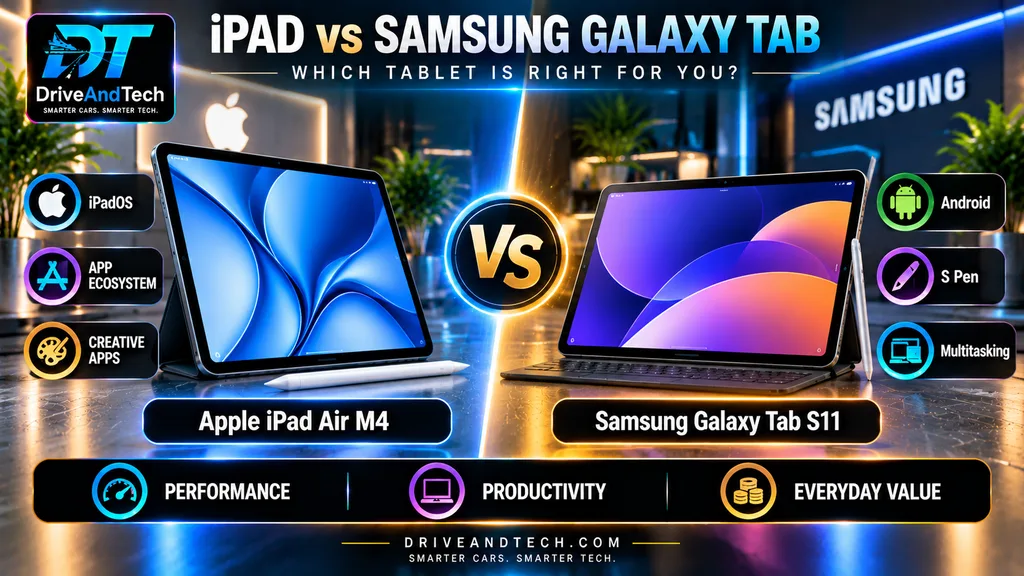
Software and Applications
Apple’s iPadOS offers established tablet applications for illustration, video editing, education and everyday productivity. Integration with iPhone and Mac can also simplify file sharing and connected workflows.
Samsung’s Android-based One UI provides flexible personalisation, Google services and integration with compatible Galaxy devices.
Before choosing, confirm that your essential applications support the features you need on that platform.
Multitasking and Productivity
iPadOS 26 supports resizable application windows, while compatible iPads can connect to external displays.
Samsung DeX provides a desktop-style workspace with multiple windows and external-monitor support on compatible Galaxy tablets.
Neither system guarantees compatibility with every desktop application. Samsung DeX availability also varies by model.
Displays and Accessories
Apple’s iPad Pro M5 offers a premium OLED display, while the iPad Air M4 uses a 60Hz LCD.
Samsung’s Galaxy Tab S11 features a 120Hz AMOLED display, giving it an advantage in refresh rate over the iPad Air.
Samsung includes an S Pen with the Galaxy Tab S11, whereas Apple Pencil Pro is purchased separately for the iPad Air. Keyboard accessories generally add further expense.
Storage and Software Support
Samsung’s Galaxy Tab S11 supports microSD expansion, while Apple’s current iPads rely on fixed internal storage.
Samsung promises up to seven Android generations and seven years of security updates for the Tab S11 series. Apple provides ongoing iPadOS updates but does not publish an equivalent fixed support period for every model.
Which Should You Choose?
Choose Apple iPad if your preferred creative applications, existing Apple devices or specific iPadOS features are important.
Choose Samsung Galaxy Tab if you prioritise an included S Pen on selected models, expandable storage, AMOLED displays or DeX productivity.
Our verdict: Compare individual models and total ownership costs rather than choosing solely by brand. Both ecosystems offer capable tablets, but their advantages differ by price and intended use.
Budget vs Premium Tablets: Is Spending More Worth It?
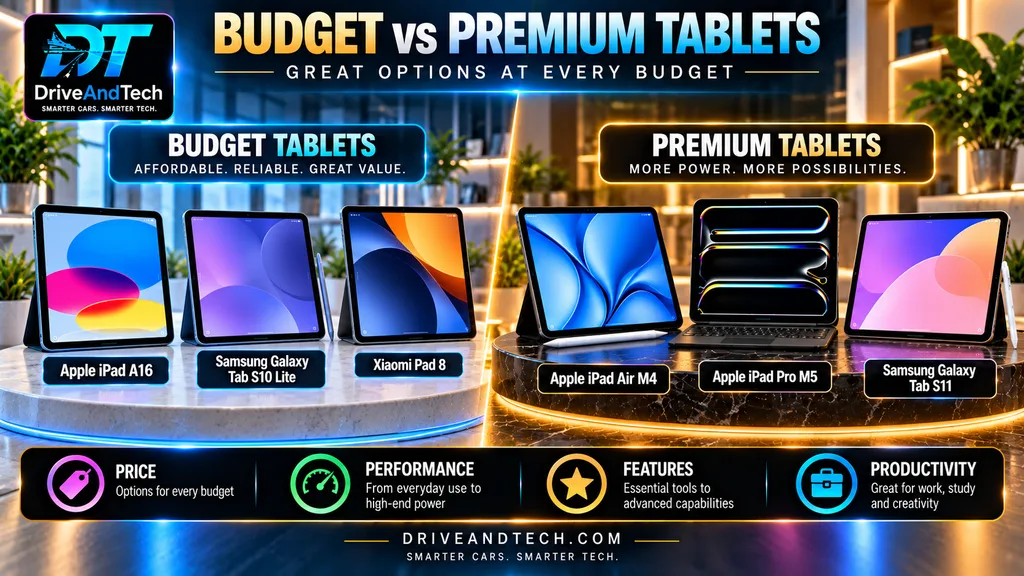
The Best Tablets UK buyers can choose are not necessarily the most expensive. A well-selected budget or mid-range tablet can deliver excellent everyday performance without flagship pricing.
What Do You Get at Different Prices?
| UK price range | What to expect |
|---|---|
| Under £200 | Basic browsing, streaming and reading; performance and support vary |
| £200–£400 | Better displays, smoother performance and useful everyday features |
| £400–£700 | Faster processors, improved multitasking and more premium options |
| Above £700 | Flagship displays, powerful processors and advanced creative features |
These are indicative categories, not guarantees of quality.
When a Budget Tablet Makes Sense
For browsing, watching films, reading, video calls and schoolwork, a capable affordable tablet is often sufficient.
The Xiaomi Pad 8 offers strong hardware value, while the Samsung Galaxy Tab S10 Lite is attractive for handwritten notes because its S Pen is included.
Spending more solely for a faster processor may deliver little noticeable benefit in these activities.
When Premium Tablets Are Worth Paying For
Premium models become more compelling for demanding gaming, professional illustration, video editing and extensive multitasking.
The Apple iPad Pro M5 offers advanced display technology and substantial processing power. Samsung’s Galaxy Tab S12+ combines a large AMOLED screen with S Pen and DeX functionality.
However, expensive hardware does not automatically guarantee longer battery life or better value.
Our Verdict
Buy according to your workload, not the highest specification. Compare actual UK selling prices, software support and accessory costs before upgrading to a premium model.
Who Should Buy Which Tablet? Our Recommendations
Choosing among the Best Tablets UK buyers can purchase becomes easier when you focus on how you intend to use the device.
| Type of buyer | Recommended tablet | Why it suits them |
|---|---|---|
| Most everyday users | Apple iPad Air M4 | Powerful performance, versatile apps and two screen sizes |
| Students on a budget | Samsung Galaxy Tab S10 Lite | Included S Pen for handwritten notes and coursework |
| Budget-conscious buyers | Xiaomi Pad 8 | Strong performance and high-refresh display for its price |
| Digital artists and designers | Apple iPad Pro M5 | Premium OLED display, powerful chip and advanced Pencil support |
| Samsung productivity users | Galaxy Tab S12+ | Large AMOLED screen, DeX multitasking and included S Pen |
| Android power users | OnePlus Pad 3 | Flagship-class processing and spacious display |
| Film and entertainment enthusiasts | Honor MagicPad 4 | Large OLED display with a high refresh rate |
| Frequent travellers and readers | Apple iPad mini A17 Pro | Compact 8.3-inch screen and lightweight construction |
| Buyers wanting an affordable iPad | Apple iPad A16 | Familiar iPadOS experience and dependable everyday performance |
| Premium Android users seeking portability | Samsung Galaxy Tab S11 | Compact AMOLED display, S Pen and IP68 protection |
Our Buying Advice
For most people, the Apple iPad Air M4 provides an appealing balance of performance, software and versatility. However, the Xiaomi Pad 8 may offer better hardware value for budget-conscious buyers.
Students should consider whether an included stylus saves money, while professionals should verify compatibility with their essential applications before purchasing.
The right tablet is not necessarily the highest-rated or most expensive, it is the one that best matches your needs and total budget.
Frequently Asked Questions (FAQs) – Best Tablets UK 2026
What is the best tablet to buy in the UK in 2026?
The Apple iPad Pro M5 is a premium choice for demanding creative work, while the OnePlus Pad 3 offers powerful Android performance. For everyday use, the Apple iPad A16 provides a more affordable alternative.
Which tablet offers the best value for money?
The Apple iPad A16 offers strong everyday performance at a relatively accessible price. The Samsung Galaxy Tab S10 Lite and Xiaomi Pad 8 are attractive Android alternatives, particularly when discounted.
Is an iPad better than a Samsung Galaxy Tab?
iPads excel in app optimisation, creative applications and Apple ecosystem integration. Samsung tablets offer Android flexibility, multitasking features and S Pen support on selected models. The better choice depends on your needs.
Which tablet is best for students?
The Apple iPad A16 suits studying, document editing and educational applications. The Samsung Galaxy Tab S10 Lite is particularly appealing for handwritten notes because its S Pen is included.
Can a tablet replace a laptop?
Yes, for browsing, emails, video meetings, note-taking and basic productivity. However, specialist software, advanced spreadsheets and demanding desktop applications may still require a laptop.
How much storage do I need?
128GB is sufficient for most everyday users. Choose 256GB for additional apps, games and offline downloads, or 512GB and above for extensive media libraries and professional creative work.
Which tablet is best for watching films?
The OnePlus Pad 3 and HONOR MagicPad 4 are appealing entertainment choices, offering large displays and multimedia-focused features. The iPad mini A17 Pro is better suited to portable viewing.
Should I buy a Wi-Fi or 5G tablet?
Wi-Fi models generally offer better value for home and office use. Choose 5G if you frequently travel or need mobile internet without relying on a smartphone hotspot.
How long should a tablet last?
A quality tablet can remain useful for approximately four to six years, depending on battery health, software updates, storage capacity and usage. Check manufacturer support commitments before purchasing.
Where should I buy a tablet in the UK?
Compare official manufacturer stores, Amazon UK, Tesco, Currys and Argos. Check the exact model, storage configuration, warranty, return policy and current price before ordering. Our individual tablet reviews include retailer links.
Final Verdict – Best Tablets UK 2026
The Apple iPad Air M4 earns our Best Overall recommendation for 2026. It strikes the most convincing balance between premium performance, versatility, build quality and long-term usability, without requiring buyers to pay the substantial premium commanded by the iPad Pro M5.
For Android users, the Samsung Galaxy Tab S11 is our leading choice, offering a compelling combination of productivity, premium features and everyday practicality. The HONOR MagicPad 4 and OnePlus Pad 3 are excellent alternatives for entertainment, multitasking and large-screen productivity.
The iPad Pro M5 remains our ultimate premium recommendation for professionals who genuinely need its advanced display and processing capabilities. Budget-conscious buyers should consider the iPad A16, while the Galaxy Tab S10 Lite offers particularly attractive value for handwritten notes and studying.
The DriveAndTech verdict: The best tablet isn’t necessarily the most expensive or powerful. Choose the device that combines dependable performance, lasting quality and the features you’ll actually use. That’s where genuine long-term value begins.
Official Resources – Manufacturer Specifications
For verified technical specifications, compatibility information and product details, consult these official manufacturer resources:
- Apple UK — iPad Air M4, iPad Pro M5, iPad A16 and iPad mini.
- Samsung UK — Galaxy Tab specifications and accessories.
- HONOR UK — MagicPad 4 specifications.
- OnePlus UK — OnePlus Pad 3 product information.
- Xiaomi UK — Xiaomi Pad 8 specifications.
Manufacturer specifications may change. Always verify current configurations before purchasing.
Summary – Best Tablets UK 2026
Choosing the right tablet comes down to performance, reliability, versatility and long-term value, rather than specifications or price alone.
The Apple iPad Air M4 earns our Best Overall recommendation for its outstanding balance of power, practicality and everyday usability. The Samsung Galaxy Tab S11 leads our Android selection, while the iPad Pro M5 is best suited to demanding professional and creative workflows.
For immersive entertainment and large-screen productivity, the HONOR MagicPad 4 and OnePlus Pad 3 offer compelling alternatives.
Value-conscious buyers should consider the Apple iPad A16, Xiaomi Pad 8 or Galaxy Tab S10 Lite, while the iPad mini A17 Pro prioritises portability.
The takeaway: Choose the tablet that meets your needs today while remaining capable, dependable and worthwhile for years to come.
Editor’s Note – Research Methodology and Editorial Standards
Last editorial review: 30 October 2026
This DriveAndTech guide draws on official manufacturer specifications, product documentation, independent reviews and UK retailer information.
Our recommendations prioritise performance, build quality, battery life, software support and long-term value, weighing practical benefits against purchase costs.
Assessments are research-based; hands-on testing is not claimed unless explicitly documented. Affiliate partnerships do not determine product rankings or editorial recommendations.
Prices, availability and configurations may change. Readers should confirm current offers before purchasing.
Our update policy: DriveAndTech reviews recommendations when significant product launches, software changes or pricing developments materially affect buying decisions, maintaining accuracy, transparency and editorial independence.
Author Information
DriveAndTech Editorial Team
DriveAndTech produces independent automotive and technology buying guides for UK consumers. Our articles focus on specifications, ownership considerations, value and practical buying decisions, using manufacturer documentation and other authoritative sources where appropriate.
Our aim is simple: help readers understand what matters before spending their money.
Further Reading – Explore More DriveAndTech Technology Guides
Choosing the right tablet is just the beginning. Explore our independent UK technology buying guides:
- Best Laptops for Students UK — Compare practical laptops for studying and productivity.
- Best Smartphones UK 2026 — Discover leading smartphones across different budgets.
- Best Smartphones Under £500 UK — Explore capable mid-range alternatives.
- Best Smartphones Under £300 UK — Find affordable everyday devices.
- iPhone 18 Pro and Pro Max UK: _ — Meet the iPhone 18 Pro & Pro Max
Visit our Technology & Gadgets Hub for more buying advice.